




















Editing a Dashboard in the Designer
Our sample projects and report templates can help you learn the basics of working with our products.The native Blazor designer lets users edit a dashboard in the browser; assigning a report is all it needs to open.
Place the designer.
How it works. The designer edits the same template the viewer renders, so users maintain dashboards directly inside your Blazor app.
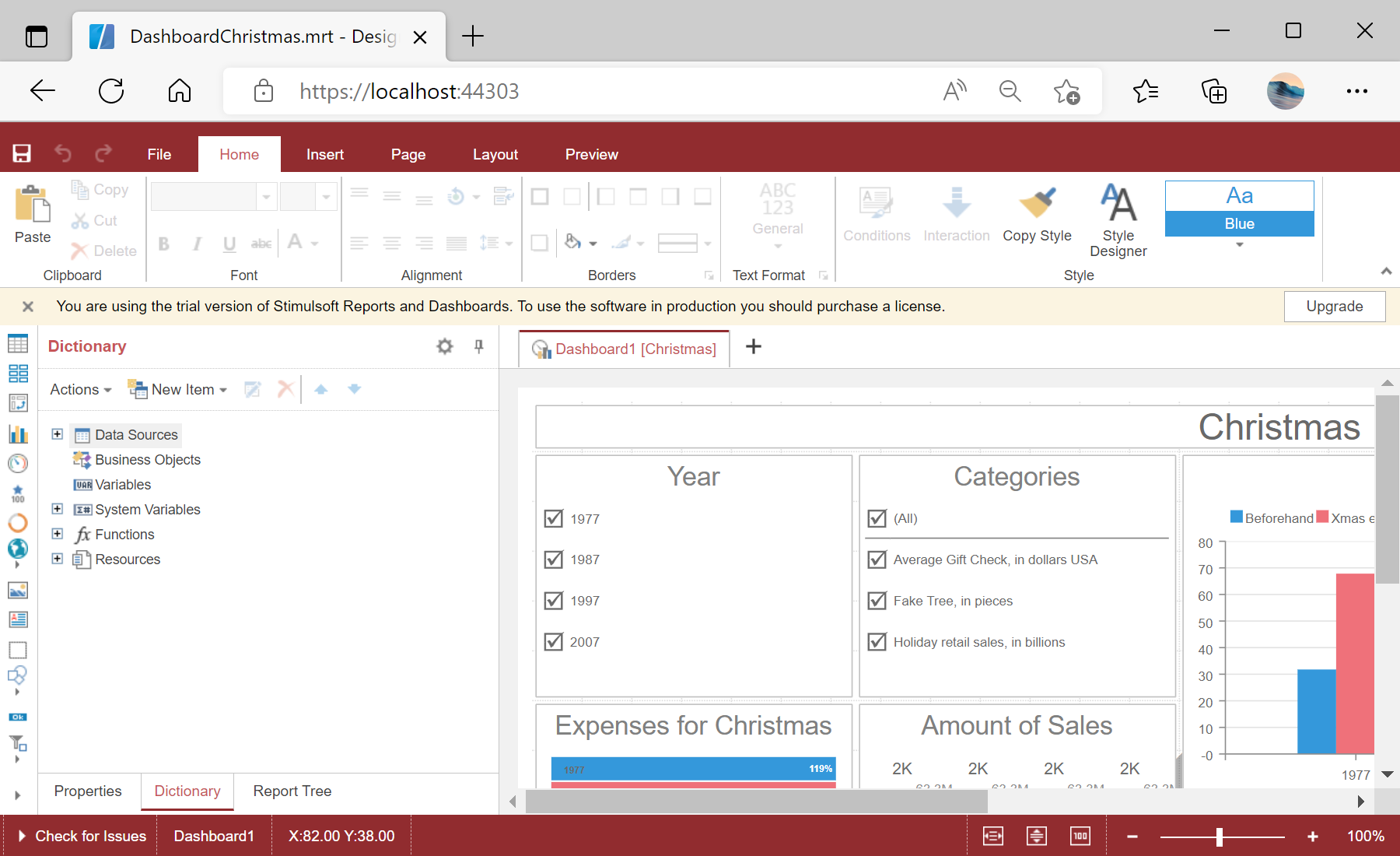
In the screenshot below you can see the result of the sample code:
Place the designer.
<StiBlazorDesigner Report="@Report" />this.Report = StiReport.CreateNewDashboard();
this.Report.Load("Dashboards/DashboardChristmas.mrt");StiBlazorDesigner— the native designer component, bound to aStiReportdashboard.- Handle its
OnSaveReportevent to persist edits (e.g.args.Report.SaveToJsonString()).
How it works. The designer edits the same template the viewer renders, so users maintain dashboards directly inside your Blazor app.
In the screenshot below you can see the result of the sample code: