




















Adding a Custom Function to the Designer
Our sample projects and report templates can help you learn the basics of working with our products.Add a custom function to the expression engine and call it from a dashboard template during rendering.
Registering the function. Define the function signature, register it with the expression engine, and call it from a template expression during rendering.
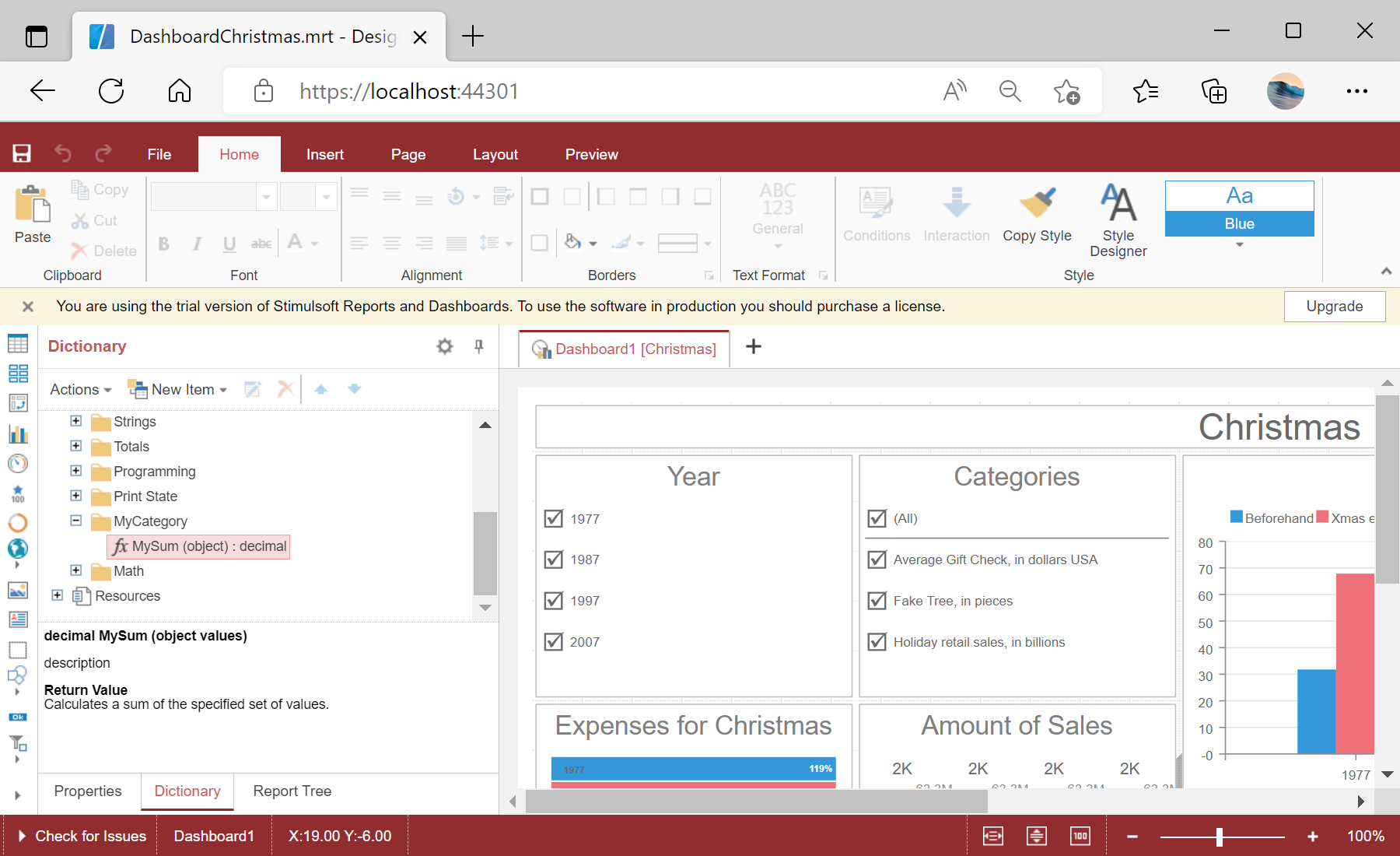
In the screenshot below you can see the result of the sample code:
Registering the function. Define the function signature, register it with the expression engine, and call it from a template expression during rendering.
StiFunctions.AddFunction("MyCategory", "MySum",
    "description", typeof(CustomFunction),
    typeof(decimal), "Calculates a sum of the specified set of values.",
    new[] { typeof(object) }, new[] { "values" }, new[] { "A set of values" });

this.Report = StiReport.CreateNewDashboard();
StiFunctions.AddFunction registers the method with its category, name, return type and parameters. It then appears in the designer's function list and can be used in any dashboard expression.In the screenshot below you can see the result of the sample code: