Cloud
Cloud-Dienstleistung für schnelle und effektive Analyse und Visualisierung von Daten für Ihr Business ohne eigene Applikationen zu erstellen oder zu programmieren.
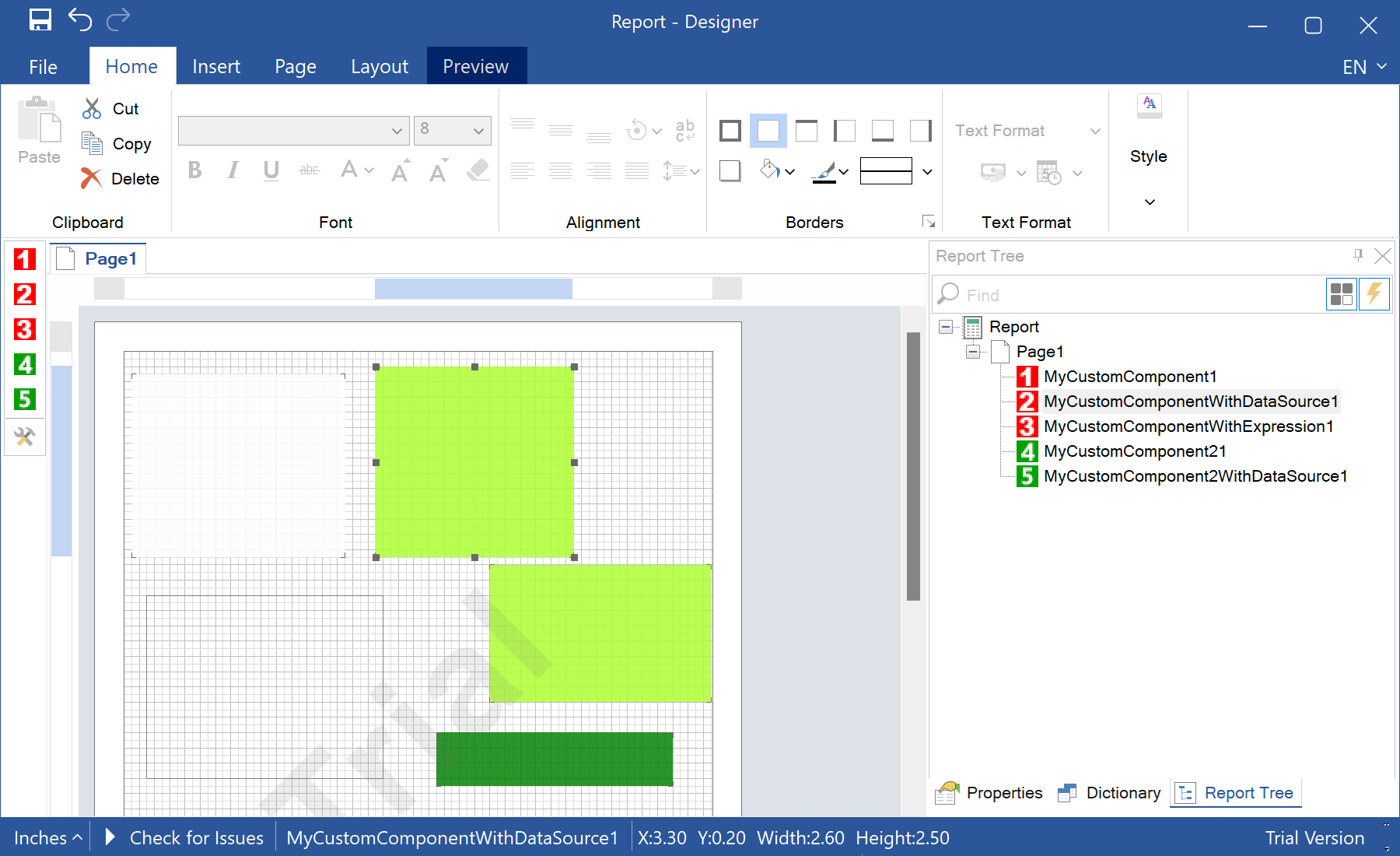
StiConfig.Services and save the configuration, so the designer shows them on its toolbox:StiConfig.Load();
StiConfig.Services.Add(new MyCustomComponent());
StiConfig.Services.Add(new MyCustomComponentWithDataSource());
StiConfig.Services.Add(new MyCustomComponentWithExpression());
StiConfig.Services.Add(new MyCustomComponent2());
StiConfig.Save();
var report = new StiReport();
report.Design();