

















Cloud
Cloud-Dienstleistung für schnelle und effektive Analyse und Visualisierung von Daten für Ihr Business ohne eigene Applikationen zu erstellen oder zu programmieren.
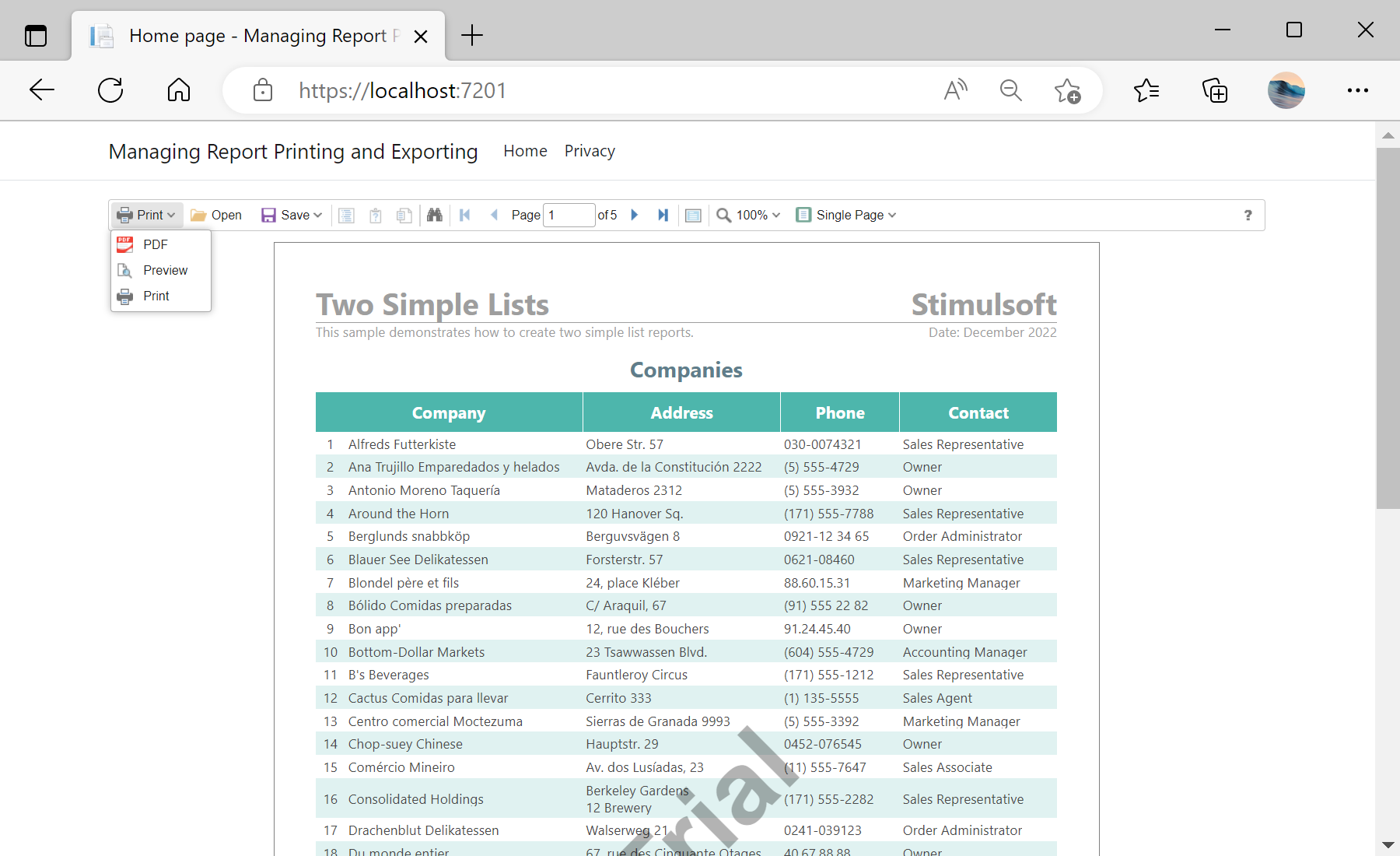
PrintReport and ExportReport in the viewer options:@Html.StiNetCoreViewer(new StiNetCoreViewerOptions()
{
Actions =
{
GetReport = "GetReport",
PrintReport = "PrintReport",
ExportReport = "ExportReport",
ViewerEvent = "ViewerEvent"
}
})public IActionResult OnPostExportReport()
{
var report = StiNetCoreViewer.GetReportObject(this);
var parameters = StiNetCoreViewer.GetRequestParams(this);
report.ReportName = "MyReportName";
if (parameters.ExportFormat == StiExportFormat.Pdf)
{
var settings = (StiPdfExportSettings)StiNetCoreViewer.GetExportSettings(this);
settings.CreatorString = "My Company";
return StiNetCoreViewer.ExportReportResult(this, report, settings);
}
return StiNetCoreViewer.ExportReportResult(this, report);
}