Cloud
Cloud-Dienstleistung für schnelle und effektive Analyse und Visualisierung von Daten für Ihr Business ohne eigene Applikationen zu erstellen oder zu programmieren.
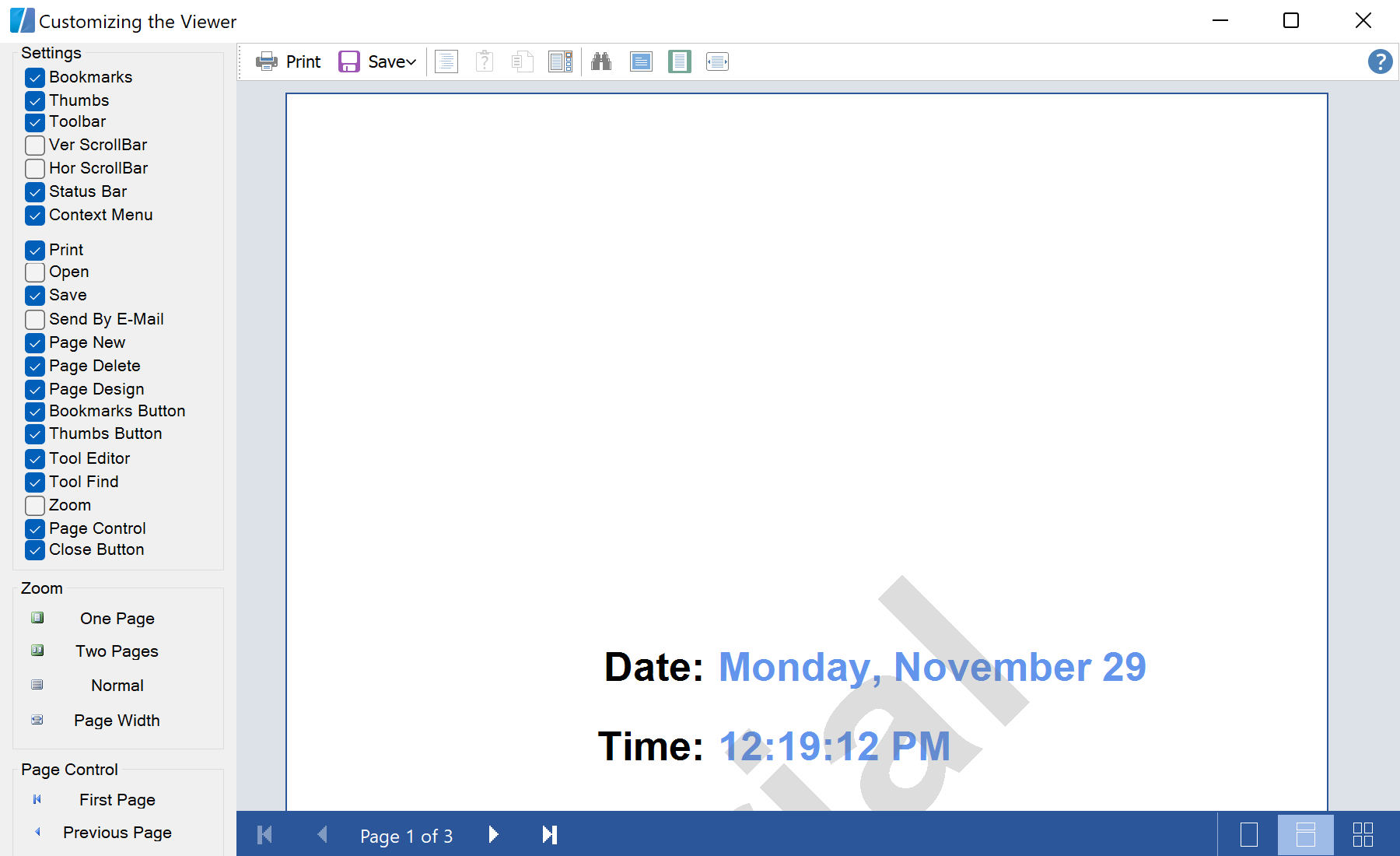
StiViewerControl properties.private void cbToolbar_CheckedChanged(object sender, EventArgs e)
{
PreviewControl.ShowToolbar = cbToolbar.Checked;
}
private void cbBookmarks_CheckedChanged(object sender, EventArgs e)
{
PreviewControl.ShowBookmarksPanel = cbBookmarks.Checked;
}
private void cbThumbs_CheckedChanged(object sender, EventArgs e)
{
PreviewControl.ShowThumbsPanel = cbThumbs.Checked;
}ShowToolbar, ShowBookmarksPanel, ShowThumbsPanel, ShowVertScrollBar … — one boolean per UI element.