Cloud
Cloud-Dienstleistung für schnelle und effektive Analyse und Visualisierung von Daten für Ihr Business ohne eigene Applikationen zu erstellen oder zu programmieren.
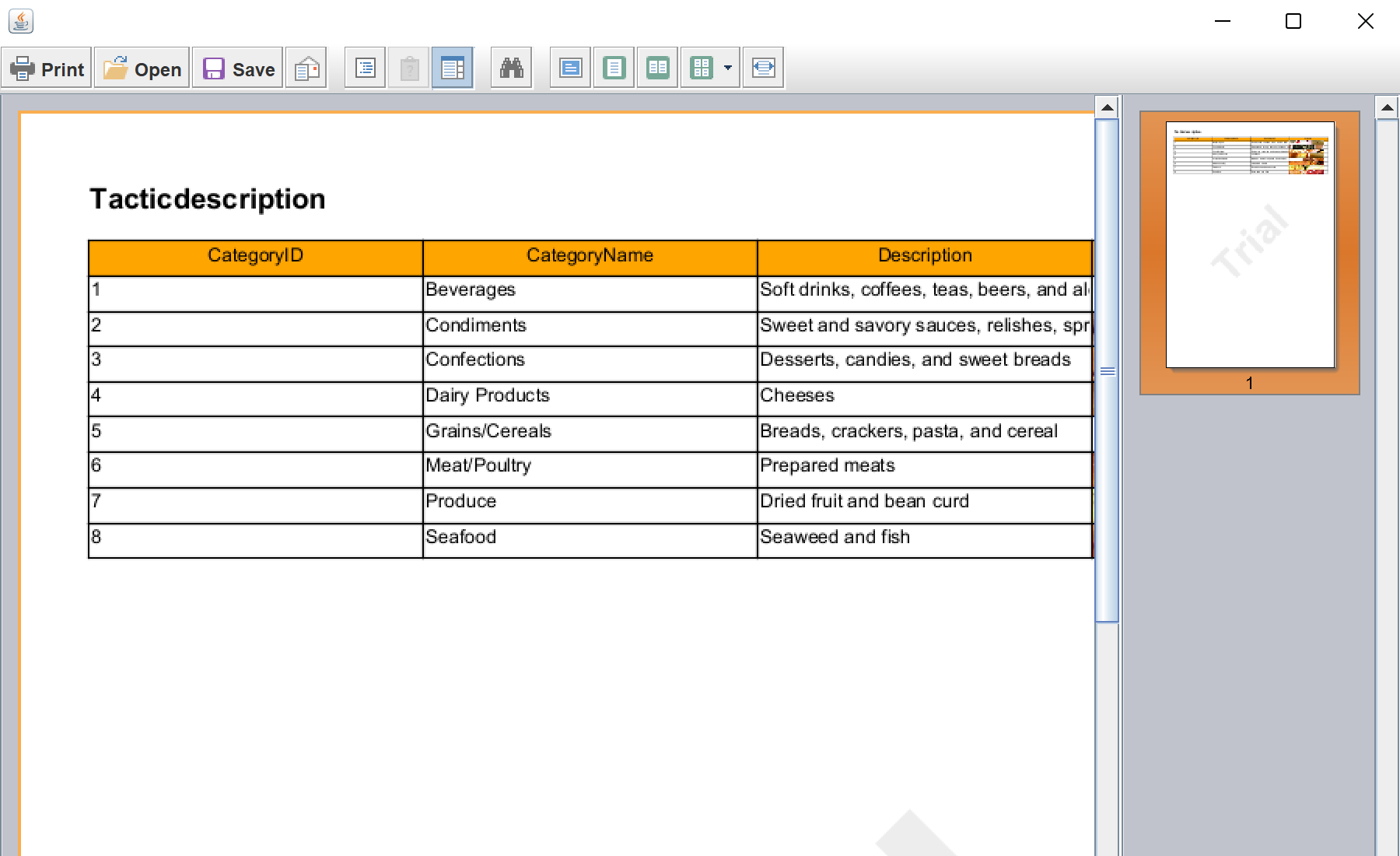
StiReport report = new StiReport();

StiPage page = new StiPage(report);
report.getPages().add(page);

StiXmlDatabase xmlDatabase = new StiXmlDatabase("Demo", "Data/Demo.xsd", "Data/Demo.xml");
report.setDictionary(new StiDictionary(report));
report.getDictionary().getDatabases().add(xmlDatabase);

StiDataTableSource tableSource = new StiDataTableSource("Demo.Categories", "Categories", "Categories");
report.getDictionary().getDataSources().add(tableSource);StiDataBand dataBand = new StiDataBand();
dataBand.setDataSourceName("Categories");
dataBand.setHeight(0.5);
page.getComponents().add(dataBand);
StiText dataText = new StiText(new StiRectangle(0, 0, columnWidth, 0.5));
dataText.setText("{Categories.Name}");
dataBand.getComponents().add(dataText);
report.Render();StiPage + StiDataBand — the report page and the band that repeats per data row.StiText with setText("{Categories.Name}") — an expression cell bound to a data column.report.Render() — builds the document, ready to show in StiViewerFx or export.