Cloud
Cloud-Dienstleistung für schnelle und effektive Analyse und Visualisierung von Daten für Ihr Business ohne eigene Applikationen zu erstellen oder zu programmieren.
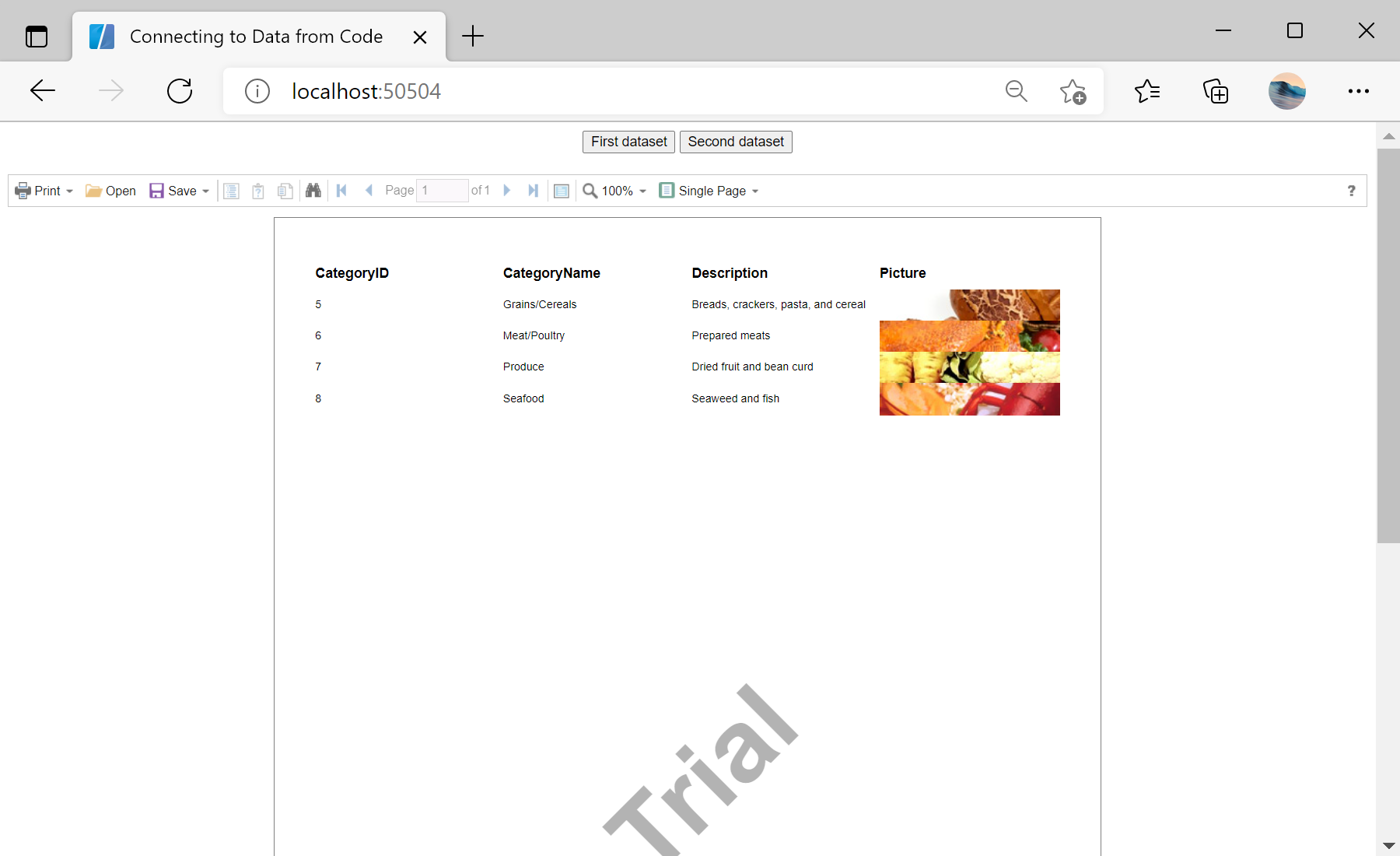
<StiBlazorViewer Report="@Report" />

@code {
    private StiReport Report;

    private void SetFirstDataSet()
    {
        var report = this.Report.Clone() as StiReport;
        report.Dictionary.Databases.Clear();
        report.RegData("Demo", firstDataSet);
        report.Render();
        this.Report = report;
    }
}Dictionary.Databases.Clear() drops the design-time connection and RegData registers the new data. Reassigning this.Report updates the viewer.