Cloud
Cloud-Dienstleistung für schnelle und effektive Analyse und Visualisierung von Daten für Ihr Business ohne eigene Applikationen zu erstellen oder zu programmieren.
var report = StiReport.CreateNewDashboard();
var dashboard = report.Pages[0] as StiDashboard;

var data = new DataSet();
data.ReadXml("Data/Demo.xml");
report.RegData(data);
report.Dictionary.Synchronize();

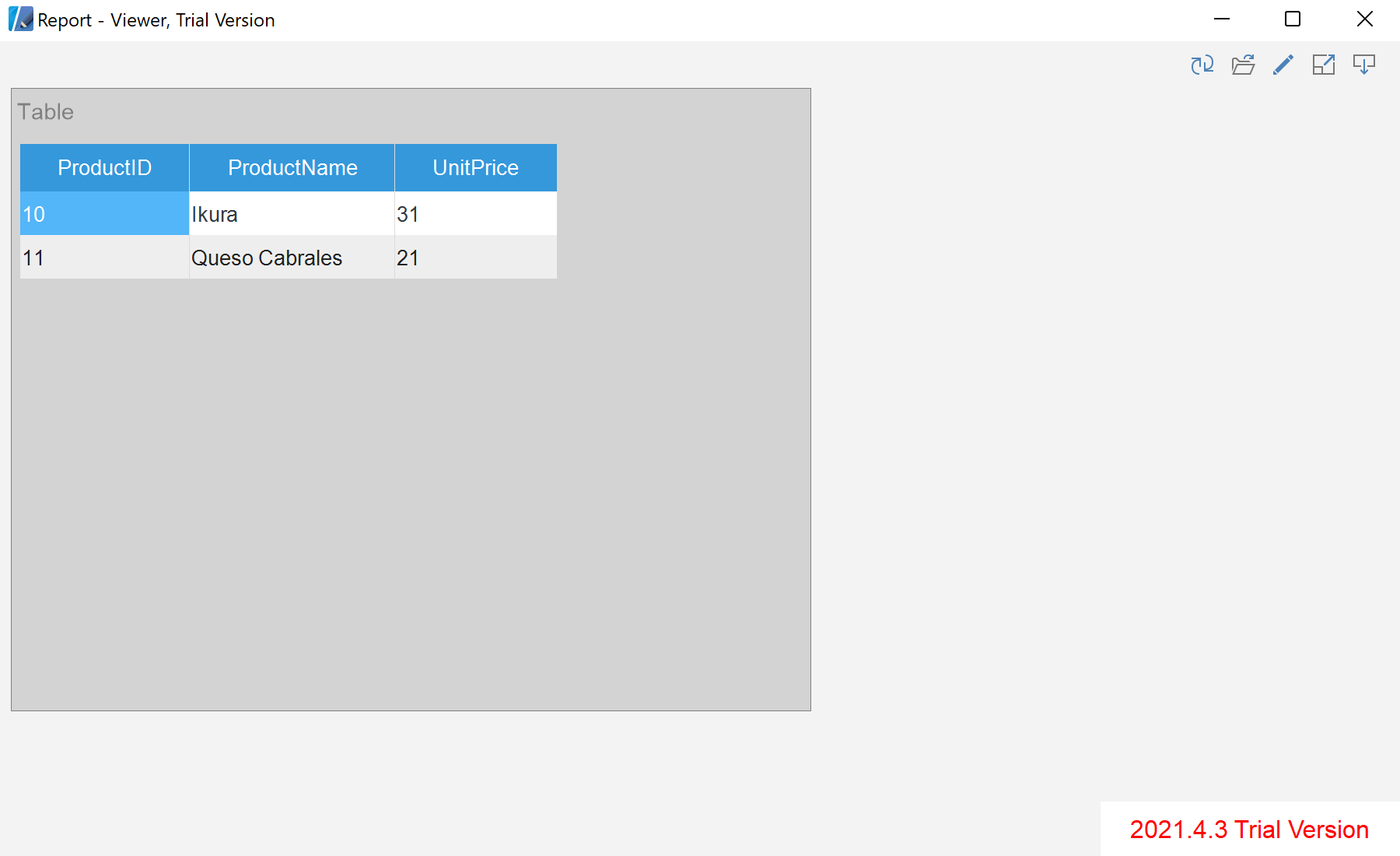
var table = new StiTableElement { Left = 0, Top = 0, Width = 700, Height = 500, Name = "Example" };
table.Columns.Add(new StiDimensionColumn { Expression = "Products.ProductName" });
table.Columns.Add(new StiDimensionColumn { Expression = "Products.UnitPrice" });
table.DataFilters.Add(new StiDataFilterRule {
    Condition = StiDataFilterCondition.BeginningWith, Path = "Products.ProductID", Value = "1" });

dashboard.Components.Add(table);
report.Pages[0] as StiDashboard — the dashboard surface to add elements to.StiTableElement with StiDimensionColumn — a table and the fields it displays.StiDataFilterRule — filters applied to the element's data.