Cloud
Cloud-Dienstleistung für schnelle und effektive Analyse und Visualisierung von Daten für Ihr Business ohne eigene Applikationen zu erstellen oder zu programmieren.
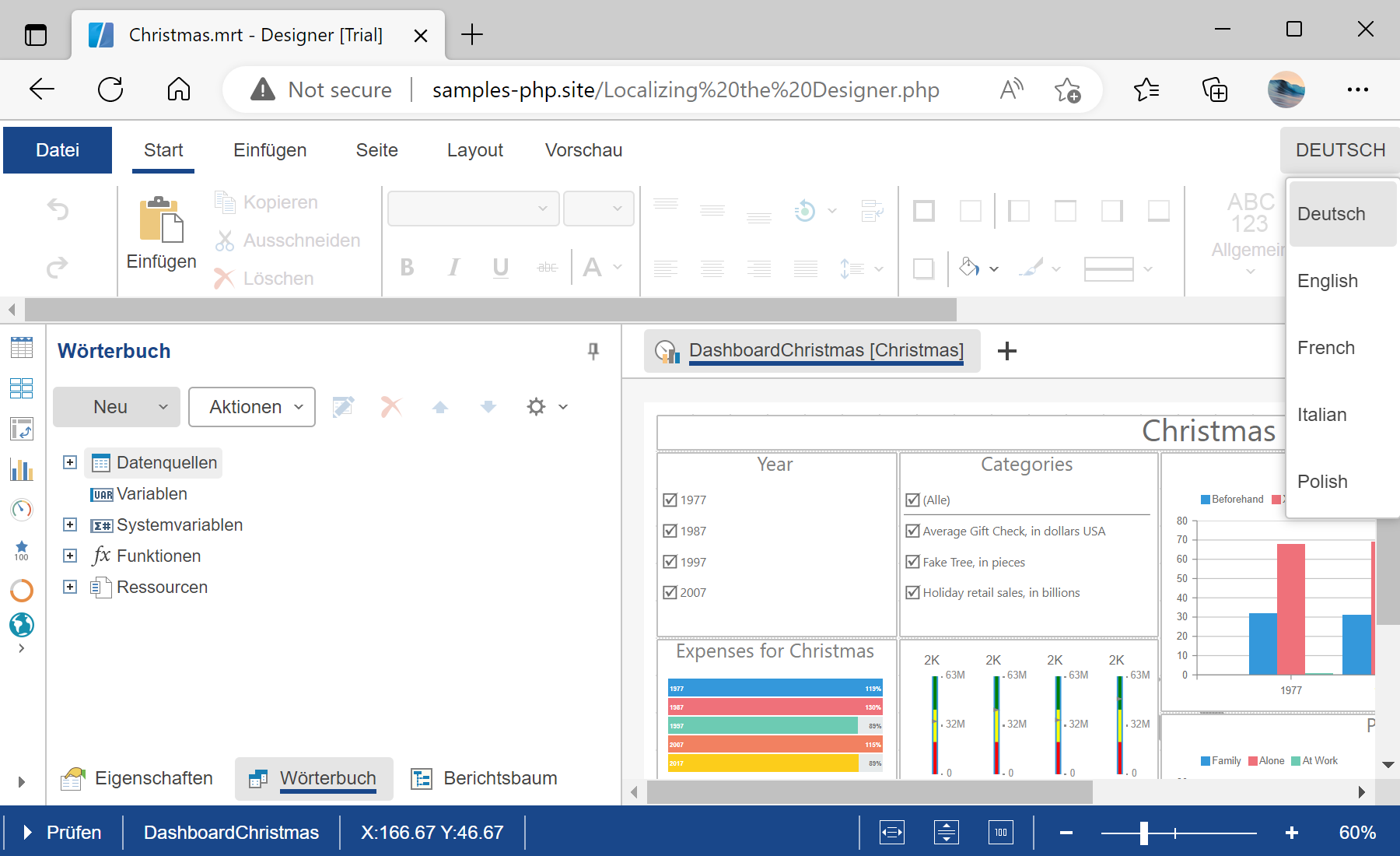
$designer = new StiDesigner();
$designer->options->localization = 'de.xml';
$designer->options->addLocalization('fr.xml');
$designer->options->addLocalization('es.xml');
$designer->process();
options->localization sets the active language and addLocalization registers additional ones the user can switch to.