Cloud
Cloud-Dienstleistung für schnelle und effektive Analyse und Visualisierung von Daten für Ihr Business ohne eigene Applikationen zu erstellen oder zu programmieren.
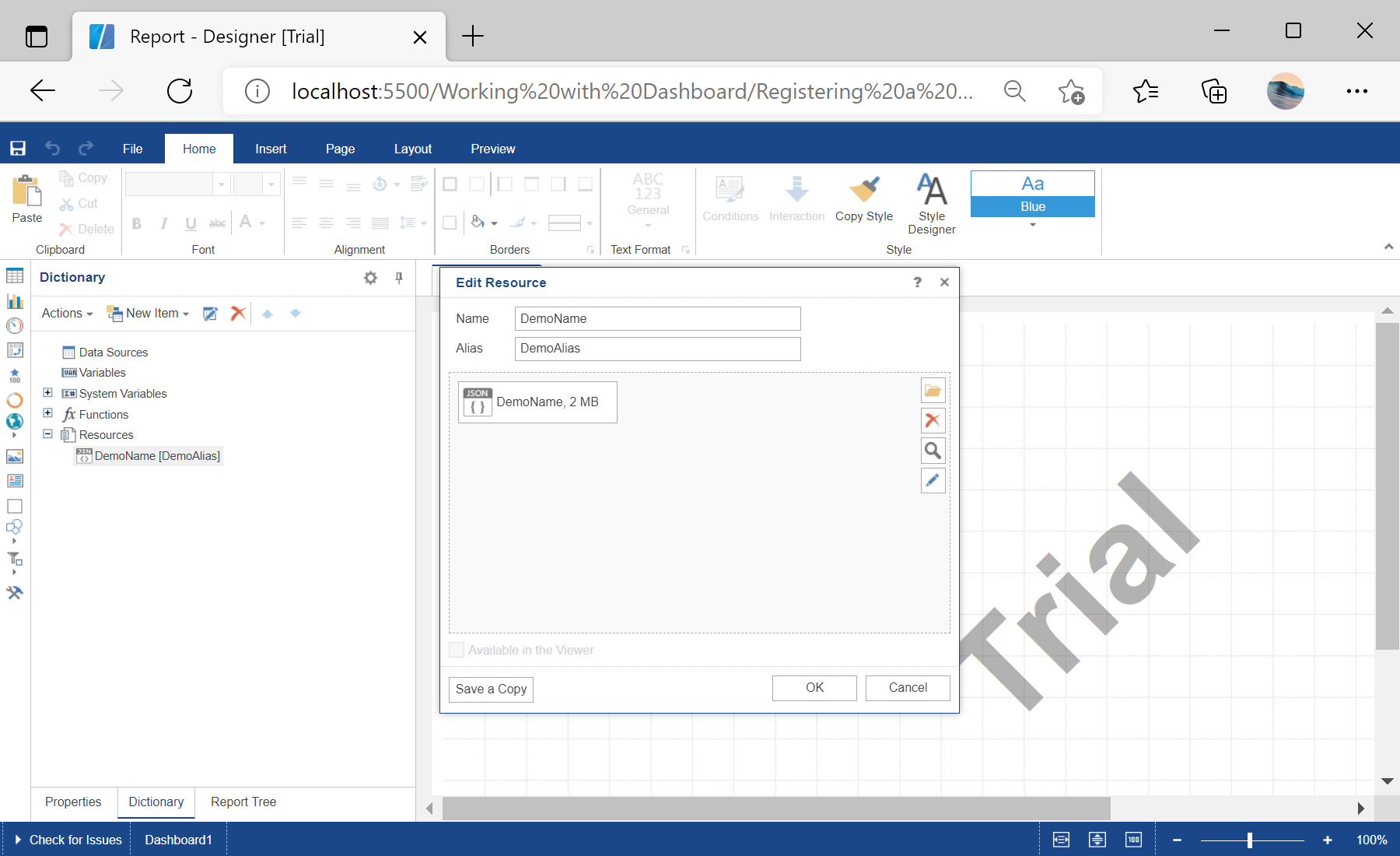
var report = Stimulsoft.Report.StiReport.createNewDashboard();

var content = Stimulsoft.System.IO.File.getFile("../dashboard/Demo.json");
var resource = new Stimulsoft.Report.Dictionary.StiResource(
    "DemoName", "DemoAlias", false,
    Stimulsoft.Report.Dictionary.StiResourceType.Json, content);
report.dictionary.resources.add(resource);

designer.report = report;
StiResource(name, alias, false, StiResourceType.Json, content) — wraps the JSON file as a report resource.report.dictionary.resources.add(resource) — embeds it so the dashboard renders from the bundled data.