Cloud
Cloud-Dienstleistung für schnelle und effektive Analyse und Visualisierung von Daten für Ihr Business ohne eigene Applikationen zu erstellen oder zu programmieren.
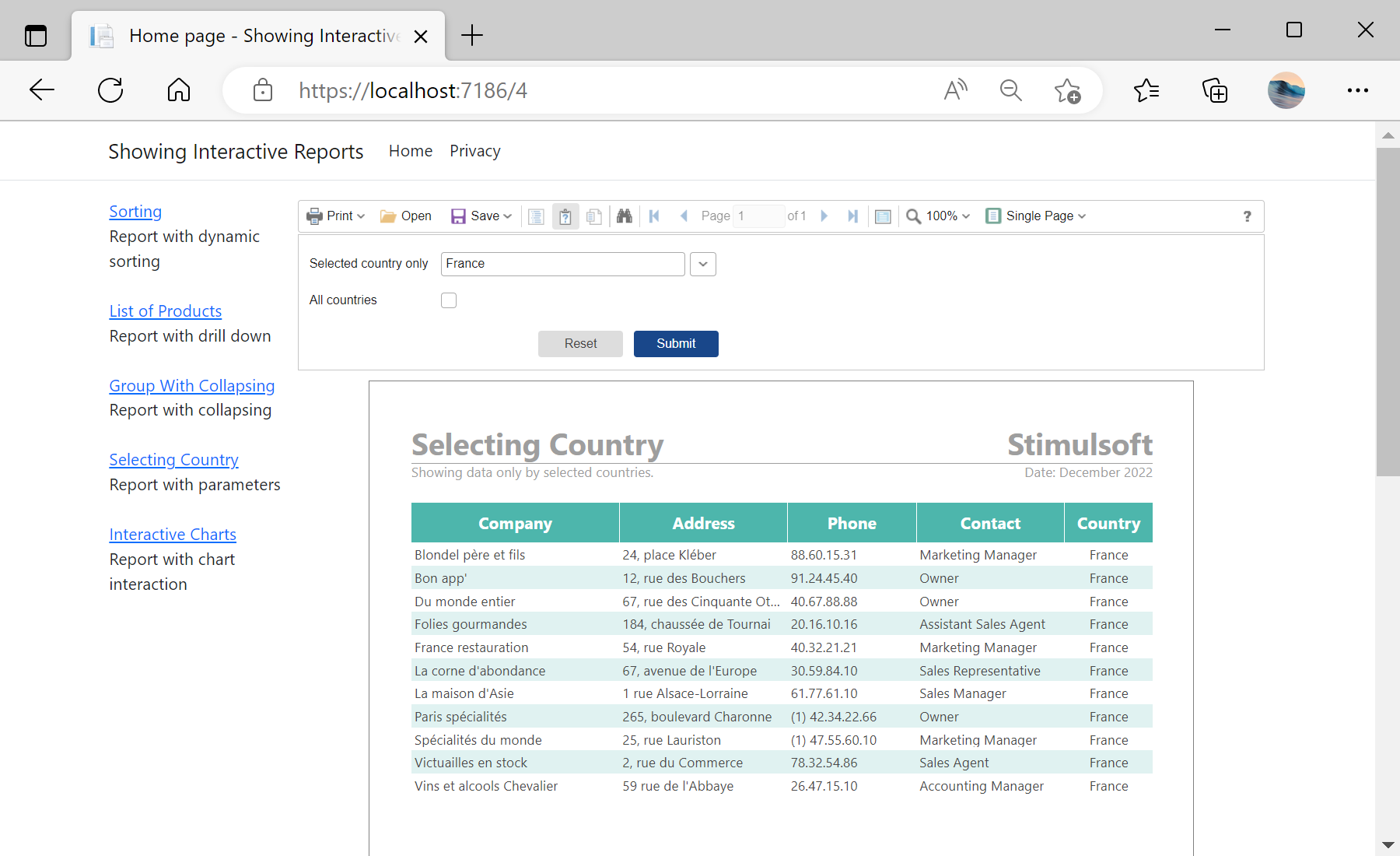
@Html.StiNetCoreViewer(new StiNetCoreViewerOptions()
{
    Actions = { GetReport = "GetReport", ViewerEvent = "ViewerEvent" }
})public IActionResult OnPostGetReport(int id = 1)
{
var report = new StiReport();
switch (id)
{
case 1: report.Load(StiNetCoreHelper.MapPath(this, "Reports/Sorting.mrt")); break;
case 2: report.Load(StiNetCoreHelper.MapPath(this, "Reports/ListOfProducts.mrt")); break;
case 3: report.Load(StiNetCoreHelper.MapPath(this, "Reports/GroupWithCollapsing.mrt")); break;
case 5: report.Load(StiNetCoreHelper.MapPath(this, "Reports/InteractiveCharts.mrt")); break;
}
return StiNetCoreViewer.GetReportResult(this, report);
}