Cloud
Cloud-Dienstleistung für schnelle und effektive Analyse und Visualisierung von Daten für Ihr Business ohne eigene Applikationen zu erstellen oder zu programmieren.
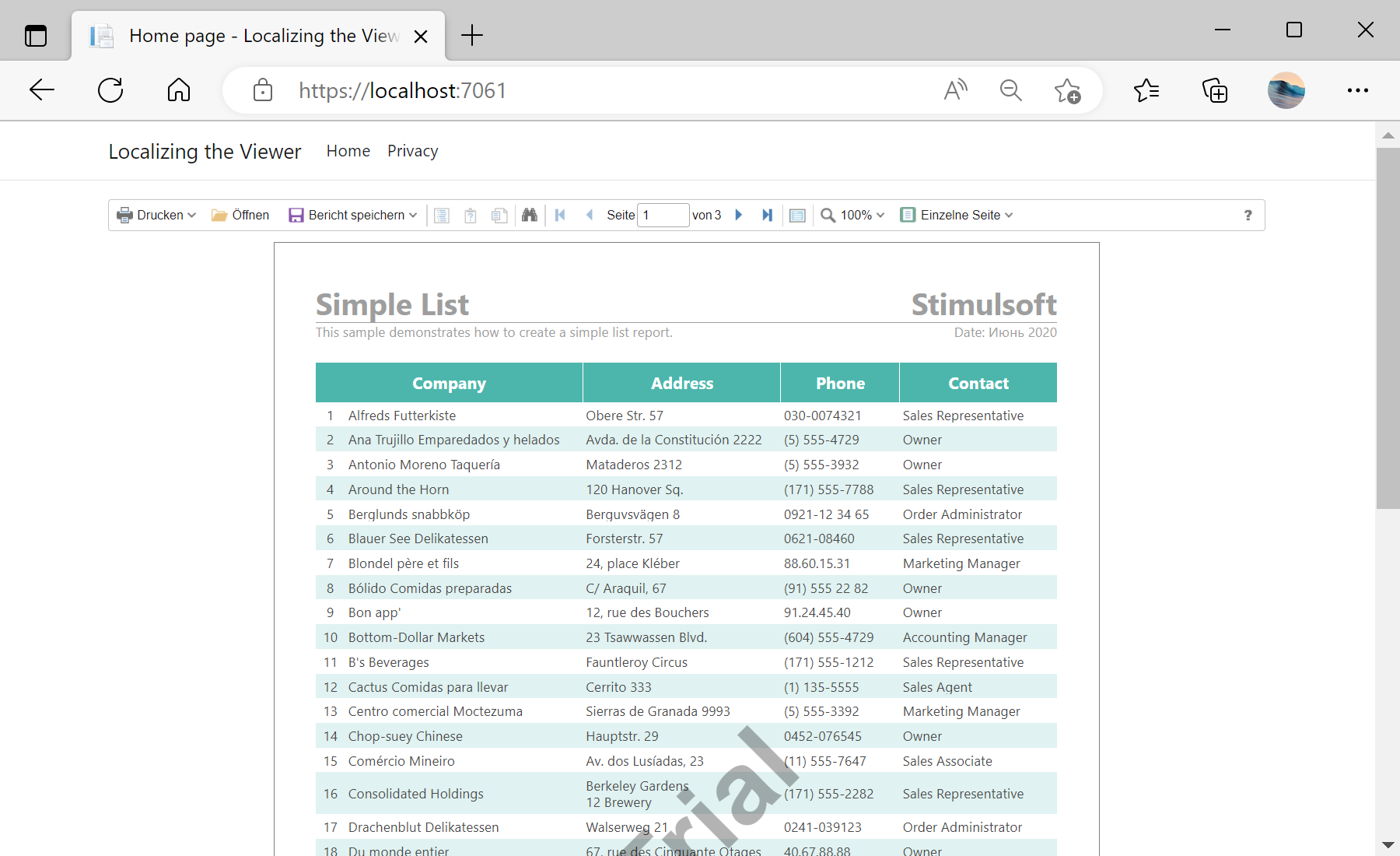
Localization option to the path of the desired file:@Html.StiNetCoreViewer(new StiNetCoreViewerOptions()
{
Actions = { GetReport = "GetReport", ViewerEvent = "ViewerEvent" },
Localization = "Localization/de.xml"
}).xml file can be edited or created to match your own wording. Replacing de.xml switches the whole viewer interface to that language; the page model stays unchanged.