Cloud
Cloud-Dienstleistung für schnelle und effektive Analyse und Visualisierung von Daten für Ihr Business ohne eigene Applikationen zu erstellen oder zu programmieren.
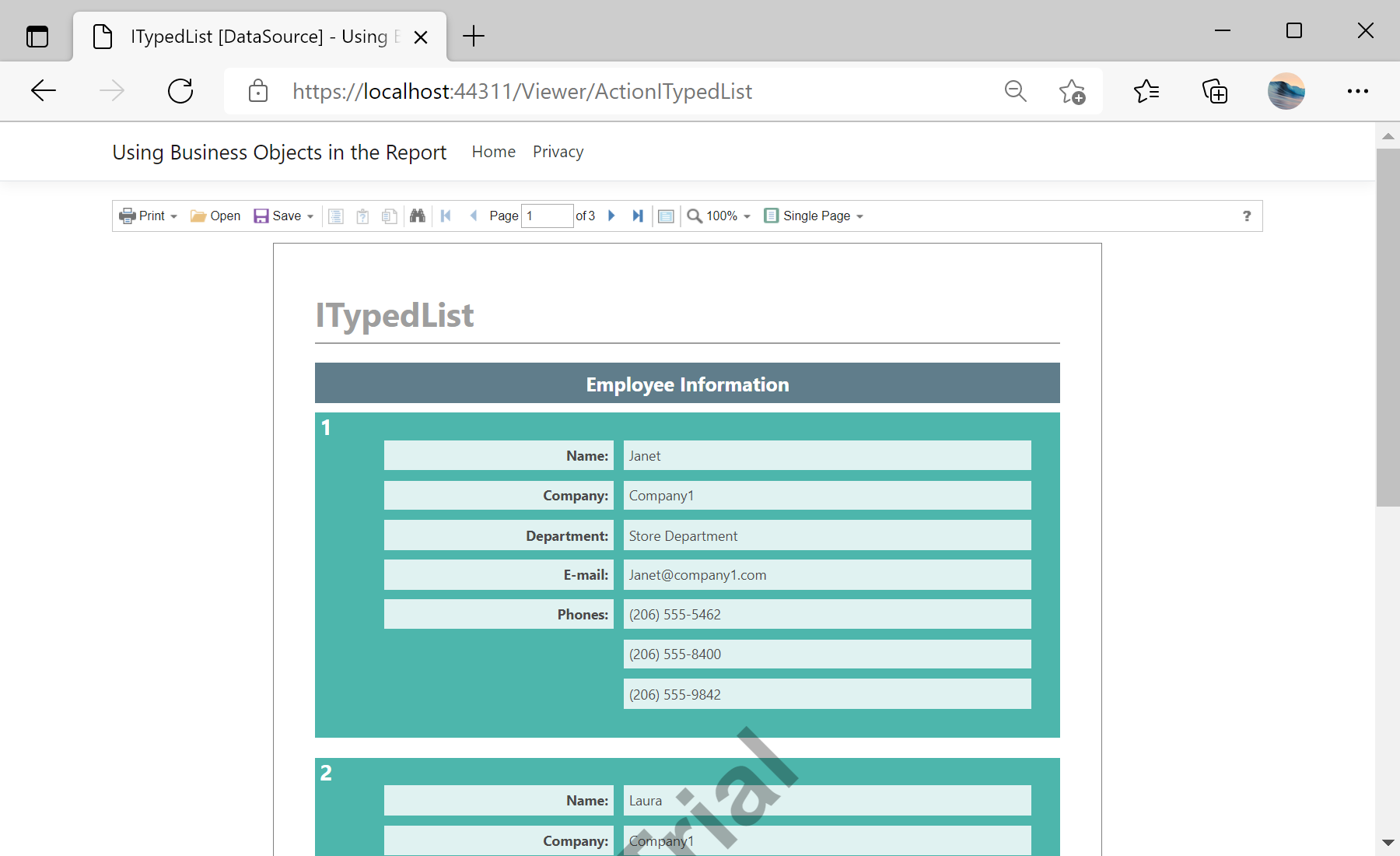
IEnumerable and ITypedList.ViewIEnumerable and ViewITypedList. Each of these views has its own GetReport action handler. Also you need to define the ViewerEvent action:
@using Stimulsoft.Report.Mvc;

...

@Html.StiNetCoreViewer(new StiNetCoreViewerOptions()
{
	Actions =
	{
		GetReport = "GetReportIEnumerable",
		ViewerEvent = "ViewerEvent"
	}
})

...

@Html.StiNetCoreViewer(new StiNetCoreViewerOptions()
{
	Actions =
	{
		GetReport = "GetReportITypedList",
		ViewerEvent = "ViewerEvent"
	}
})GetReportIEnumerable action loads the IEnumerable report and register data for it. In a similar way, the GetReportITypedList action loads the ITypedList report and register data for it:public IActionResult GetReportIEnumerable()
{
var report = new StiReport();
report.Load(StiNetCoreHelper.MapPath(this, "Reports/BusinessObjects_IEnumerable.mrt"));
report.RegData("EmployeeIEnumerable", CreateBusinessObjectsIEnumerable.GetEmployees());
return StiNetCoreViewer.GetReportResult(this, report);
}
public IActionResult GetReportITypedList()
{
var report = new StiReport();
report.Load(StiNetCoreHelper.MapPath(this, "Reports/BusinessObjects_ITypedList.mrt"));
report.RegData("EmployeeITypedList", CreateBusinessObjectsITypedList.GetEmployees());
return StiNetCoreViewer.GetReportResult(this, report);
}ViewerEvent action handles all the viewer events (switching pages, zooming, printing, exporting, interactivity, etc.) and returns the answer to the client using the ViewerEventResult() static method:
public IActionResult ViewerEvent()
{
	StiNetCoreViewer.ViewerEventResult(this);
}