Cloud
Cloud-Dienstleistung für schnelle und effektive Analyse und Visualisierung von Daten für Ihr Business ohne eigene Applikationen zu erstellen oder zu programmieren.
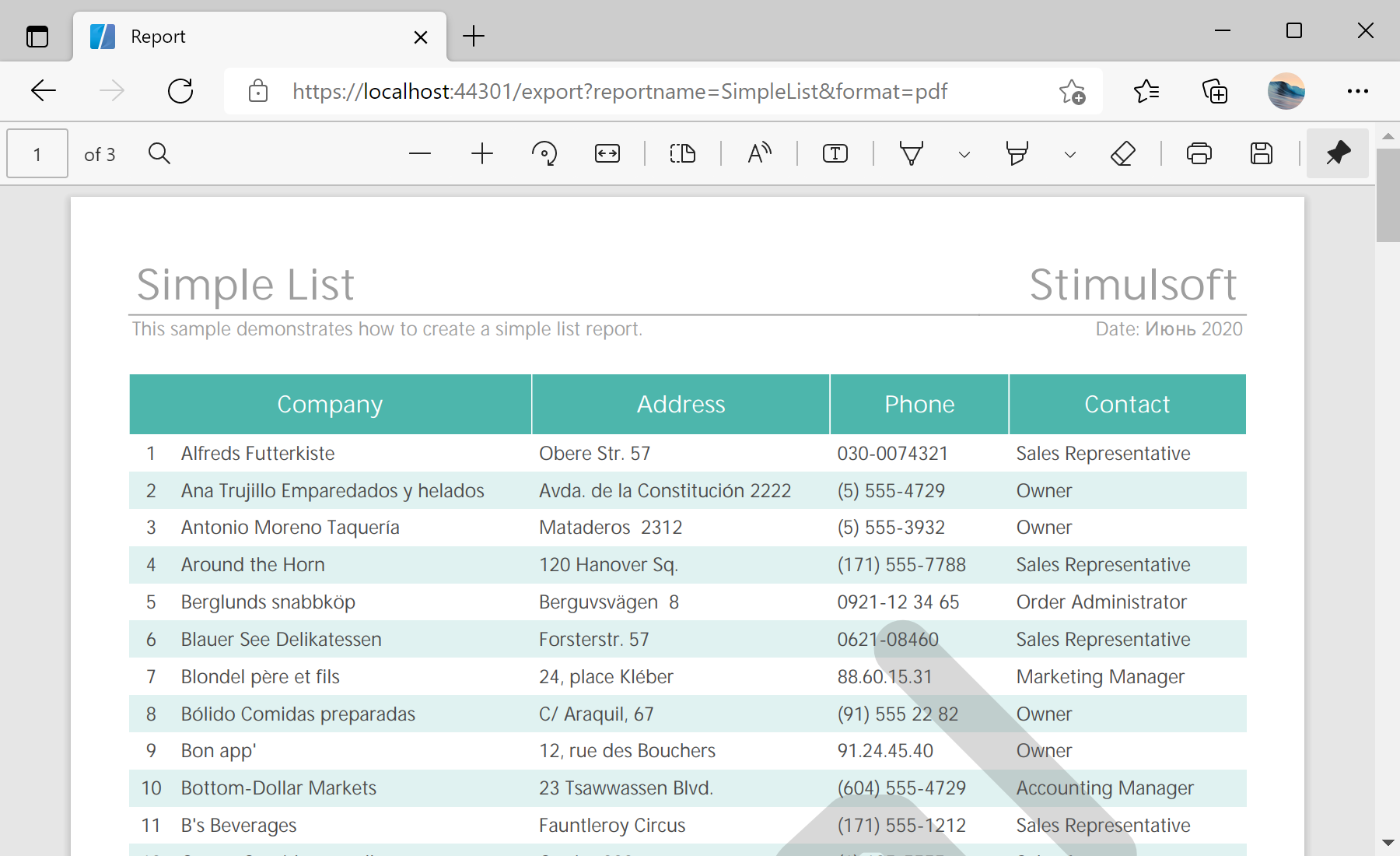
Reports folder:public IActionResult Get(string reportName, string format = "pdf")
{
// Check a report file in the 'Reports' folder
var reportFilePath = Path.Combine("Reports", reportName + ".mrt");
if (!System.IO.File.Exists(reportFilePath))
reportFilePath = Path.Combine("Reports", reportName + ".mdc");
if (!System.IO.File.Exists(reportFilePath))
return Content("The report file does not exist!");
......
// Load and render the report template
var report = new StiReport();
if (Path.GetExtension(reportFilePath) == "mrt")
{
report.Load(reportFilePath);
report.Render(false);
}
// Load the rendered report document
else
report.LoadDocument(reportFilePath);
...ExportDocument() method to export document to necessary format:
...

	MemoryStream stream;
	byte[] buffer;

	switch (format)
	{
		// Export to PDF
		case "pdf":
			var pdfSettings = new StiPdfExportSettings();
			// settings, if required

			stream = new MemoryStream();
			report.ExportDocument(StiExportFormat.Pdf, stream, pdfSettings);
			buffer = stream.ToArray();
			stream.Close();
			return File(buffer, "application/pdf");

		// Export to Excel 2007+
		case "excel":
			var excelSettings = new StiExcel2007ExportSettings();
			// settings, if required

			stream = new MemoryStream();
			report.ExportDocument(StiExportFormat.Excel2007, stream, excelSettings);
			buffer = stream.ToArray();
			stream.Close();
			return File(buffer, "application/vnd.ms-excel");

		// Export to HTML
		case "html":
			var htmlSettings = new StiHtmlExportSettings();
			// settings, if required

			stream = new MemoryStream();
			report.ExportDocument(StiExportFormat.Html, stream, htmlSettings);
			buffer = stream.ToArray();
			stream.Close();
			return File(buffer, "text/html");

		default:
			return Content($"The export format [{format}] is not supported!");
}