Cloud
Cloud-Dienstleistung für schnelle und effektive Analyse und Visualisierung von Daten für Ihr Business ohne eigene Applikationen zu erstellen oder zu programmieren.
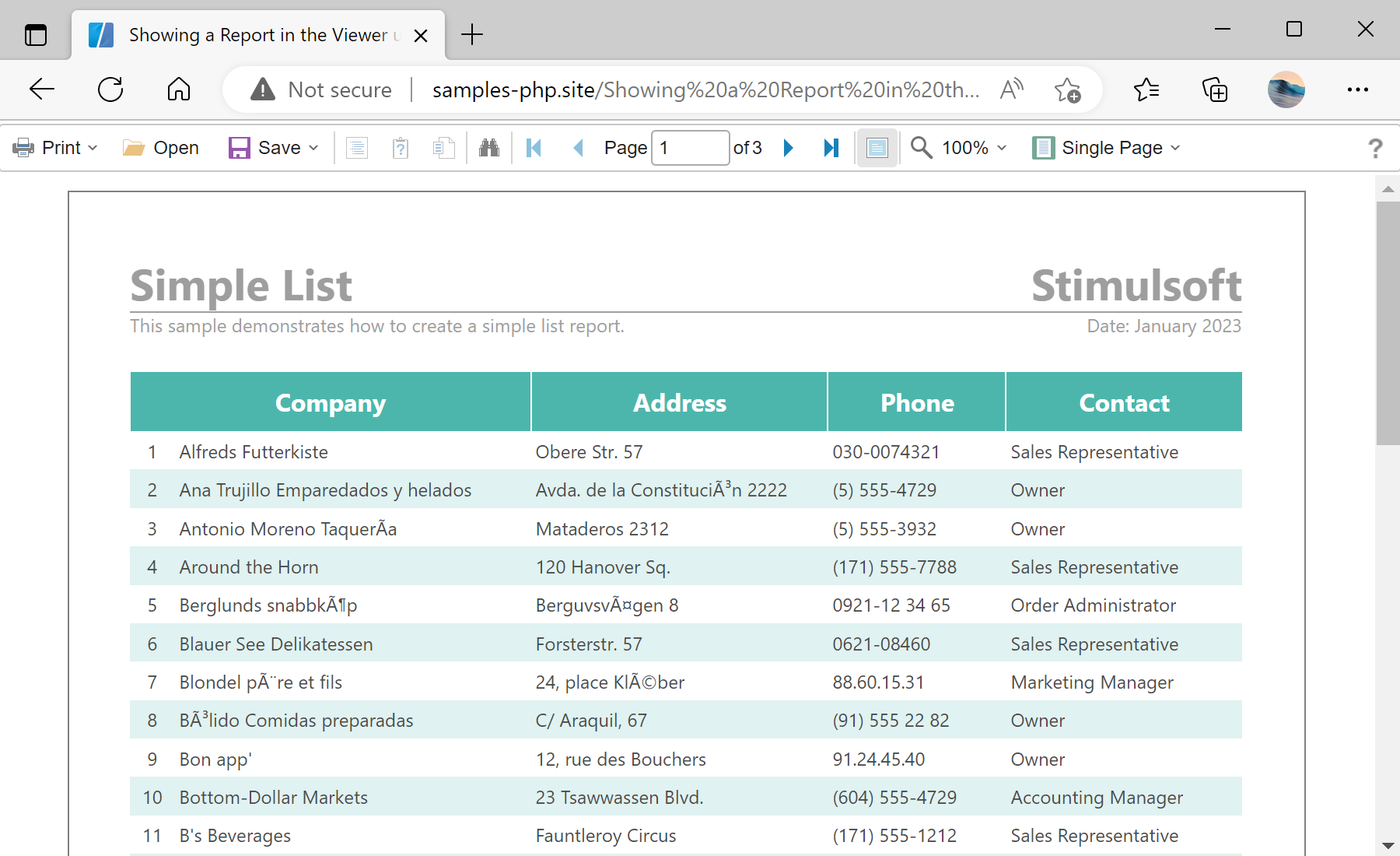
$viewer = new StiViewer();
$viewer->javascript->relativePath = '../';
$viewer->process();

$report = new StiReport();
$report->loadFile('../reports/SimpleList.mrt');
$viewer->report = $report;

$viewer->printHtml();
new StiViewer() — creates the server-side viewer object that generates the client-side JavaScript viewer.javascript->relativePath — points to the folder containing the Stimulsoft scripts, relative to the current page.process() — handles the AJAX requests the viewer makes back to the server (data, print, export).loadFile() — loads an .mrt report template into the report object.printHtml() — outputs the complete viewer — both the scripts and the viewer body — to the page.process() handles the AJAX requests the viewer makes, loadFile loads a template, and printHtml() outputs the complete viewer HTML. The report is rendered in the browser by the bundled JavaScript engine.