Cloud
Cloud-Dienstleistung für schnelle und effektive Analyse und Visualisierung von Daten für Ihr Business ohne eigene Applikationen zu erstellen oder zu programmieren.
Save As… item:static Form1()
{
StiDesigner.SavingReport += OnSaving;
StiDesigner.LoadingReport += OnLoading;
// Optionally hide the "Save As..." menu item
StiMainMenuService.GetService().ShowFileReportSaveAs = false;
}
private static void OnSaving(object sender, StiSavingObjectEventArgs e)
{
var designer = sender as StiDesigner;
// string xml = designer.Report.SaveToString();
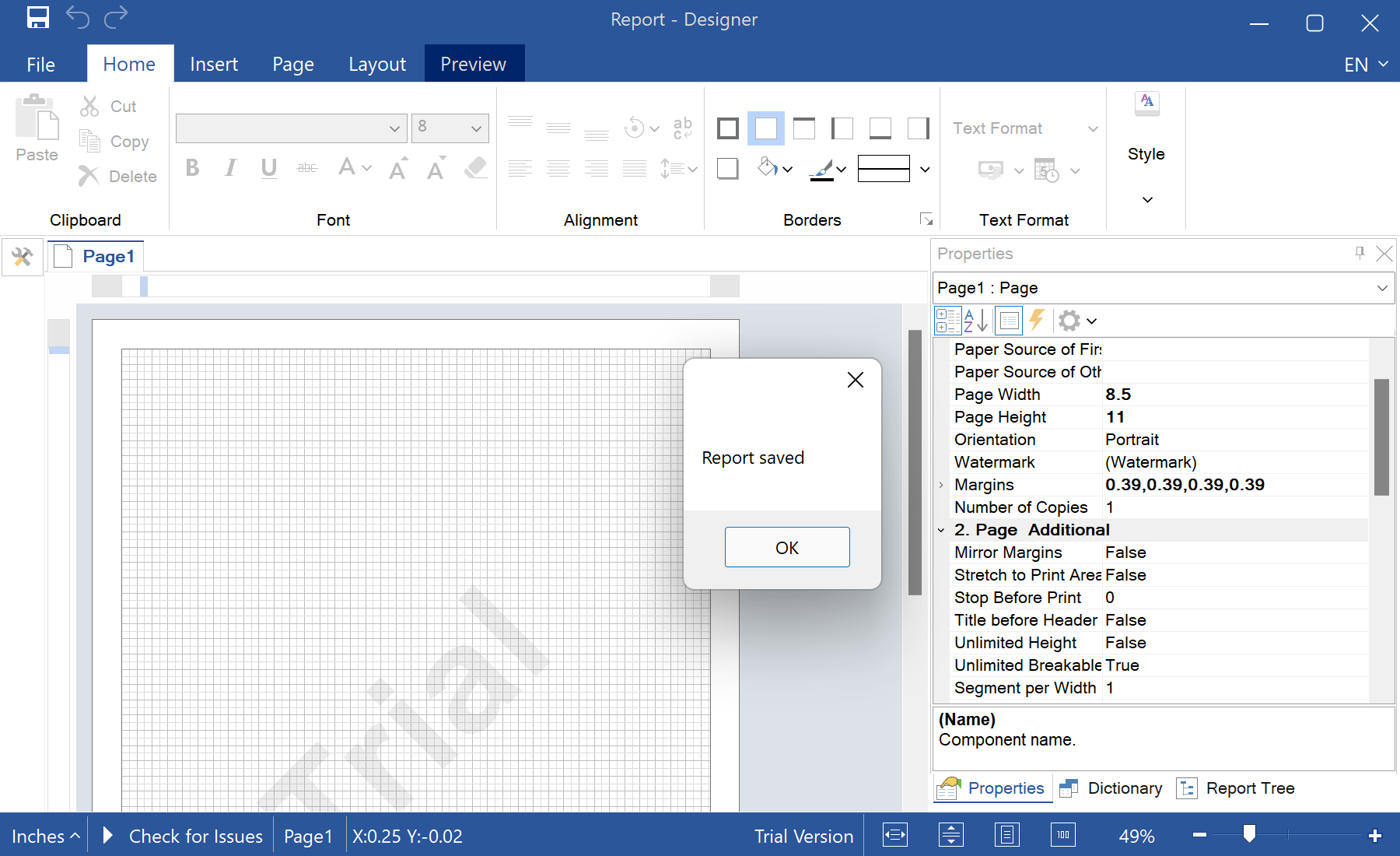
MessageBox.Show("Report saved");
}StiDesigner.SavingReport / LoadingReport — fire when the user saves or opens a template in the designer.designer.Report.SaveToString() — capture the template as a string to store it wherever you like.StiMainMenuService — show or hide individual designer menu items.