Managing Reports with Sub-Reports
Unsere Beispiele der Projekte und Berichtsvorlagen helfen Ihnen, die Grundlagen der Arbeit mit unserer Software zu erlernen.This example shows how to add Sub-Reports to the main report with various options. To do this, we need to load the required reports. For example, we will take three reports:
Then create a main report object and add the reports above in the
In the end, render the report and show it in the viewer:
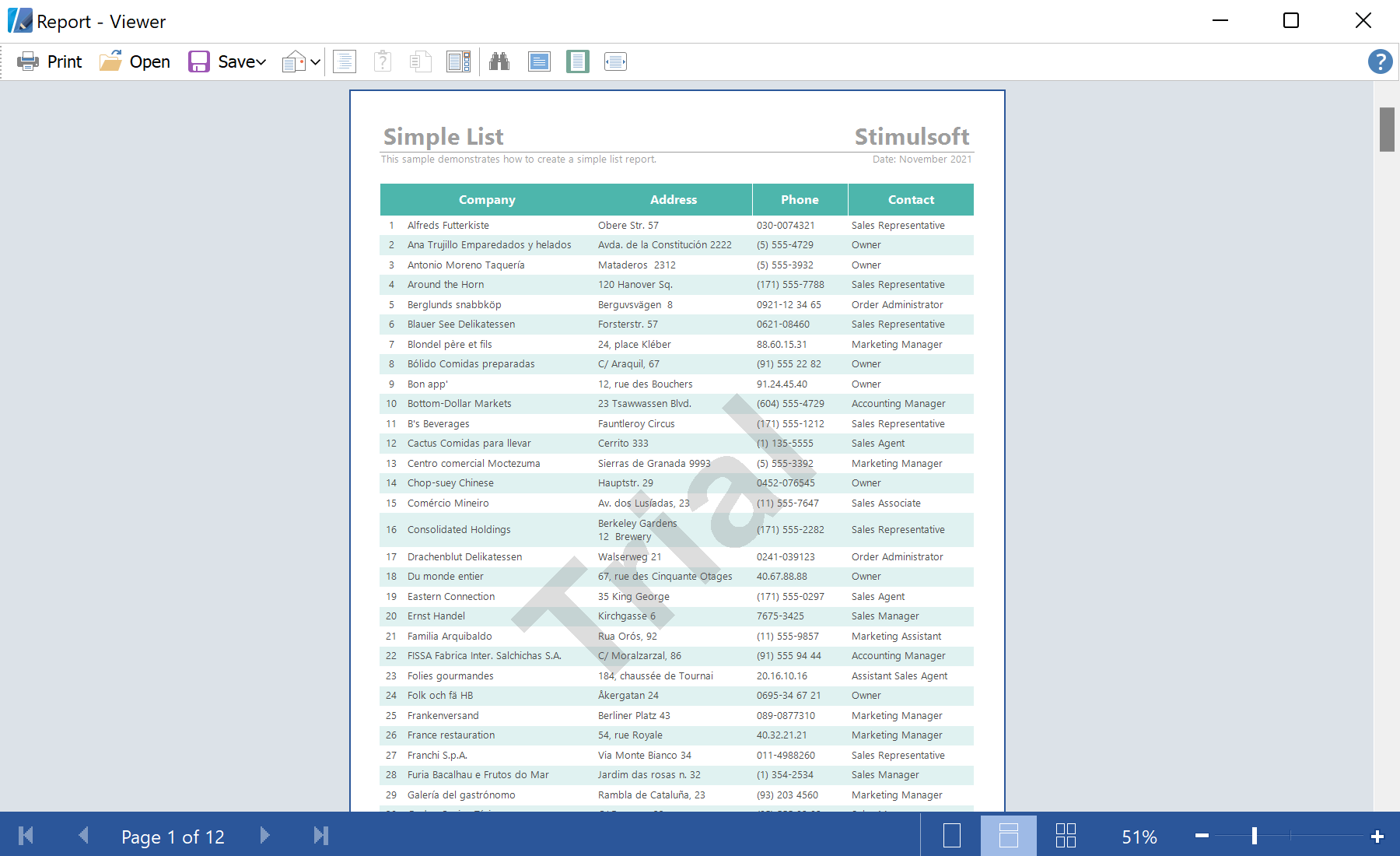
Auf dem Screenshot unten Sie können das Ergebnis des Beispiel-Codes ansehen:

private void button7_Click(object sender, System.EventArgs e)
{
StiReport report1 = GetReport("SimpleList.mrt");
StiReport report2 = GetReport("SimpleGroup.mrt");
StiReport report3 = GetReport("Master-Detail.mrt");
...
Then create a main report object and add the reports above in the
SubReports collection. The SubReports.Add() method has two boolean options ResetPageNumber and PrintOnPreviousPage. You can use these options to customize the display of the Sub-Reports:
...
var report = new StiReport();
report.SubReports.Add(report1);
report.SubReports.Add(report2, checkBoxResetPageNumber.Checked, checkBoxPrintOnPreviousPage.Checked);
report.SubReports.Add(report3, checkBoxResetPageNumber.Checked, checkBoxPrintOnPreviousPage.Checked);
...
In the end, render the report and show it in the viewer:
...
report.Render(false);
report.Show();
}Auf dem Screenshot unten Sie können das Ergebnis des Beispiel-Codes ansehen: