Cloud
Cloud-Dienstleistung für schnelle und effektive Analyse und Visualisierung von Daten für Ihr Business ohne eigene Applikationen zu erstellen oder zu programmieren.
var Stimulsoft = require('stimulsoft-reports-js');

var report = new Stimulsoft.Report.StiReport();
report.loadFile("SimpleList.mrt");

report.renderAsync(() => {
    var htmlString = report.exportDocument(Stimulsoft.Report.StiExportFormat.Html);
    fs.writeFileSync('./SimpleList.html', htmlString);
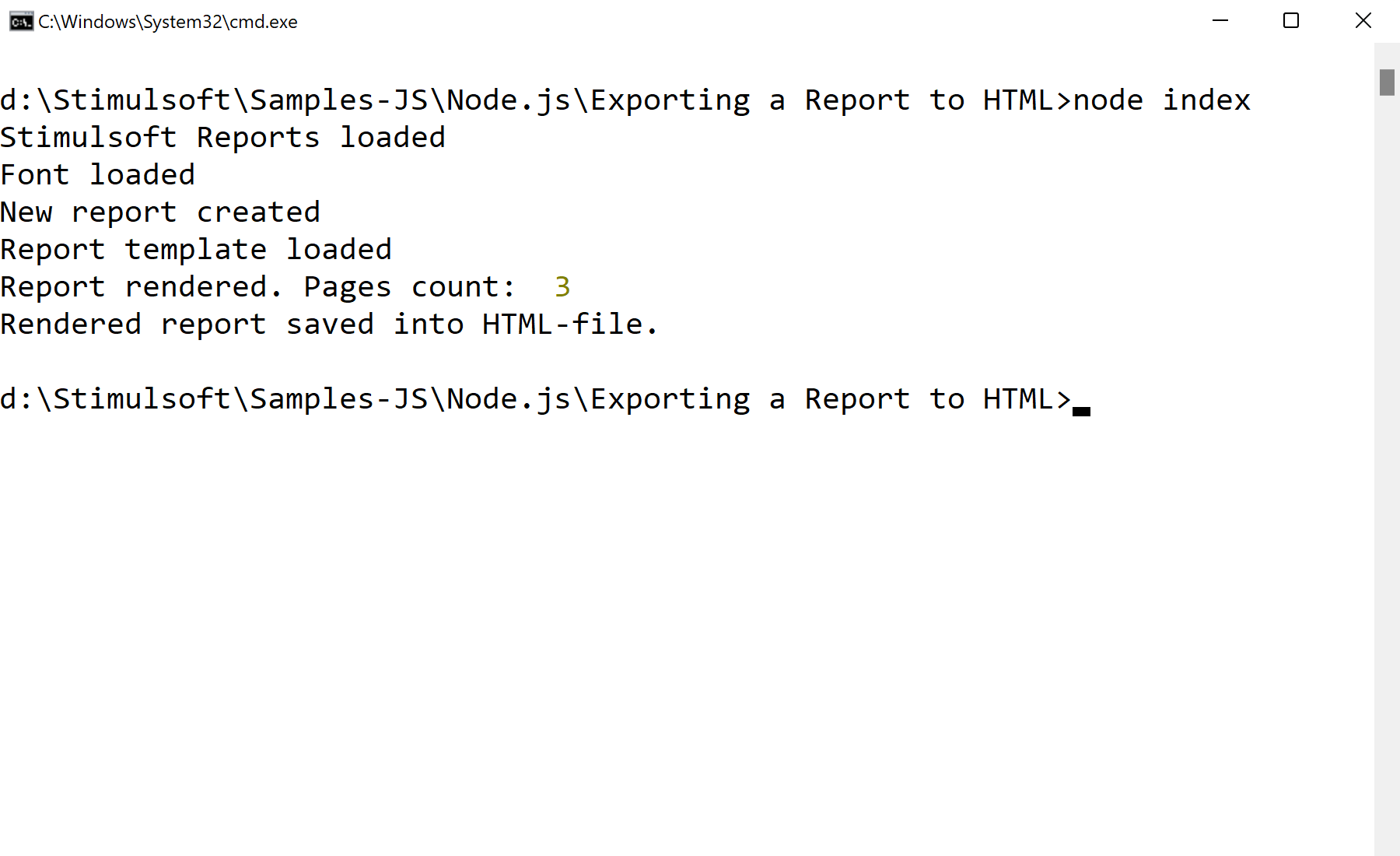
});exportDocument returns the markup as a string, which is written to a file with fs.writeFileSync. Passing a different StiExportFormat value exports to PDF, Excel, Word and other formats the same way.