Cloud
Cloud-Dienstleistung für schnelle und effektive Analyse und Visualisierung von Daten für Ihr Business ohne eigene Applikationen zu erstellen oder zu programmieren.
// Configure the designer in full-screen mode
var options = new Stimulsoft.Designer.StiDesignerOptions();
options.appearance.fullScreenMode = true;

var designer = new Stimulsoft.Designer.StiDesigner(options, "StiDesigner", false);

// Persist the edited template
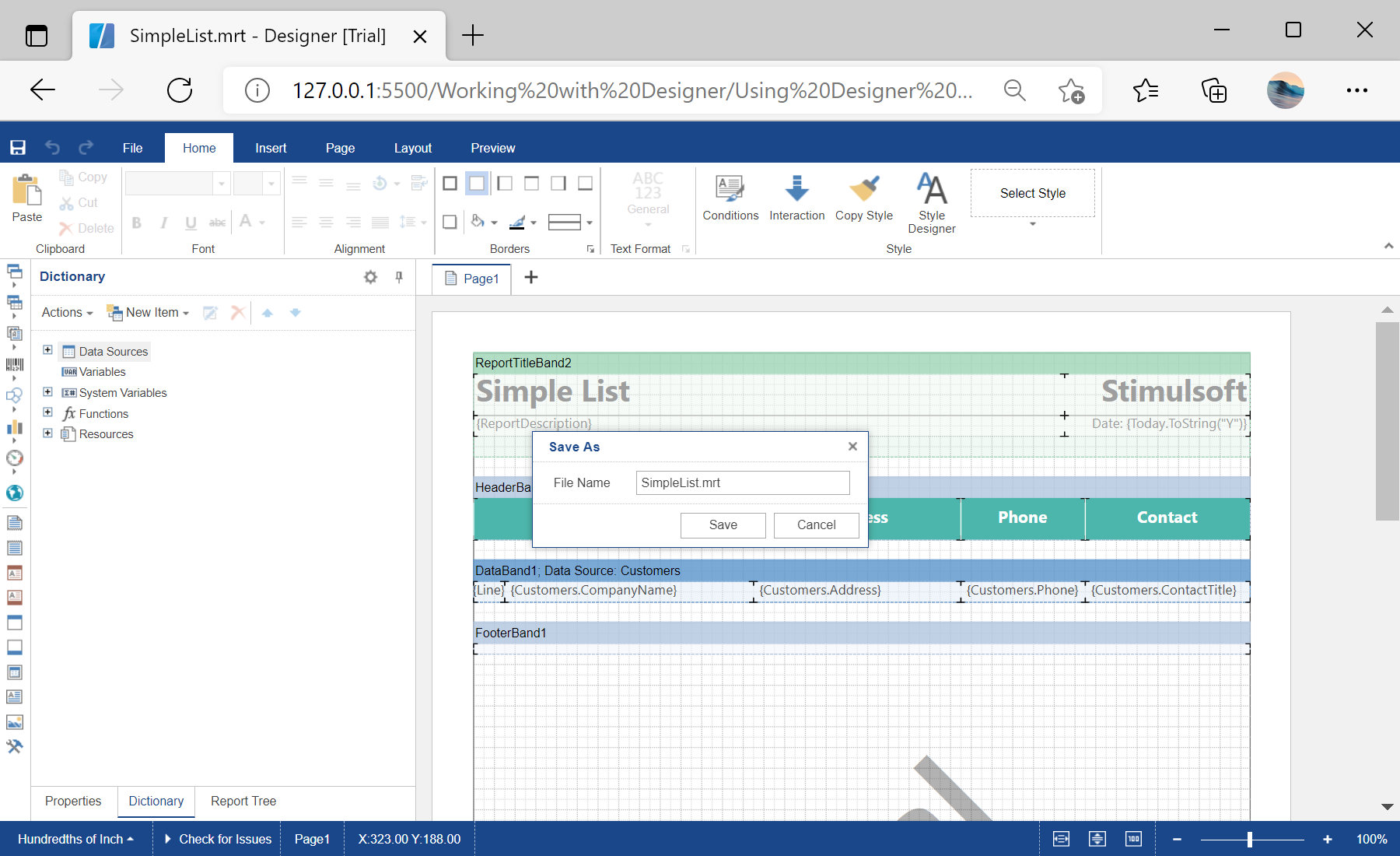
designer.onSaveReport = function (e) {
    var jsonStr = e.report.saveToJsonString();
    alert("Save to JSON string complete.");
};

// Pre-register data for every newly created report
designer.onCreateReport = function (e) {
    var ds = new Stimulsoft.System.Data.DataSet("Demo");
    ds.readJsonFile("../reports/Demo.json");
    e.report.regData("Demo", "Demo", ds);
    e.report.dictionary.synchronize();
};

designer.onPreviewReport = function (e) { };
designer.onExit = function (e) { };

var report = new Stimulsoft.Report.StiReport();
report.loadFile("../reports/SimpleList.mrt");
designer.report = report;

designer.renderHtml("content");e.report. onSaveReport is where you persist the template (here serialized with saveToJsonString), and onCreateReport lets you pre-register data for every new report — giving you full control over the editing workflow.