Registering an XML Data for the Report Template
Unsere Beispiele der Projekte und Berichtsvorlagen helfen Ihnen, die Grundlagen der Arbeit mit unserer Software zu erlernen.This example shows how to render the report using the external XML data. First, you need to the create report object of the
As data storage, you can use the
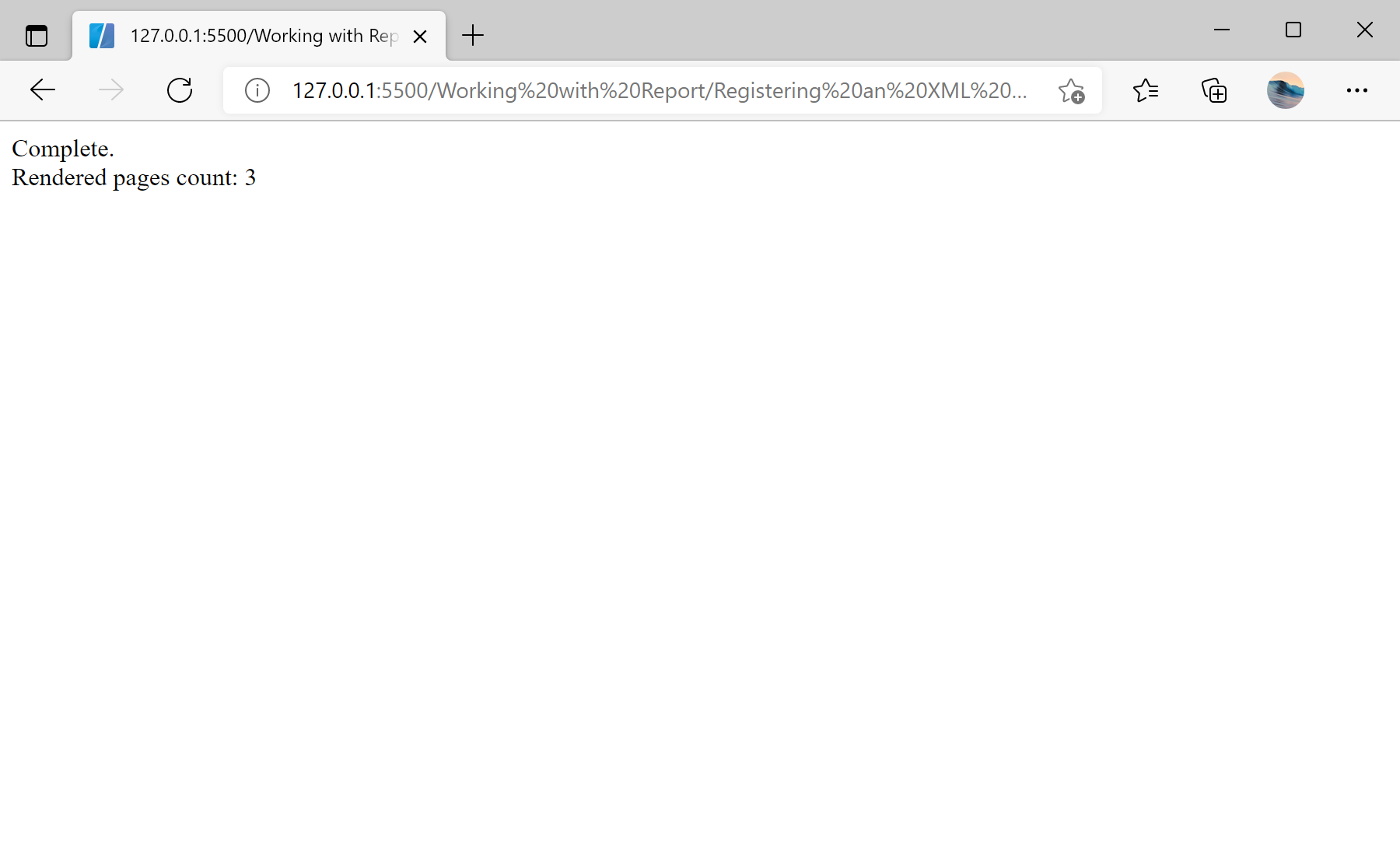
Auf dem Screenshot unten Sie können das Ergebnis des Beispiel-Codes ansehen:

StiReport type, then load the report template file by calling the loadFile() method.As data storage, you can use the
DataSet object. This object contains the data tables and rows needed for the report. To load XML data from file into DataSet, you can use the readXmlSchemaFile() and readXmlFile() methods. There is the regData() methodto register a data in the report. This method receives a data source name, data source alias and data object such as a DataSet:
<script type="text/javascript">
// Create a new report instance
var report = new Stimulsoft.Report.StiReport();
// Load report from url
report.loadFile("../reports/SimpleList.mrt");
// Create new DataSet object
var dataSet = new Stimulsoft.System.Data.DataSet("Demo");
// Load XML Shema file from specified URL to the DataSet object
dataSet.readXmlSchemaFile("../reports/Demo.xsd");
// Load XML data file from specified URL to the DataSet object
dataSet.readXmlFile("../reports/Demo.xml");
// Remove all connections from the report template
report.dictionary.databases.clear();
// Register DataSet object
report.regData("Demo", "Demo", dataSet);
// Render report with registered data
report.renderAsync(function () {
document.write("Complete.<br>");
document.write("Rendered pages count: " + report.renderedPages.count);
});
</script>Auf dem Screenshot unten Sie können das Ergebnis des Beispiel-Codes ansehen: