Cloud
Cloud-Dienstleistung für schnelle und effektive Analyse und Visualisierung von Daten für Ihr Business ohne eigene Applikationen zu erstellen oder zu programmieren.
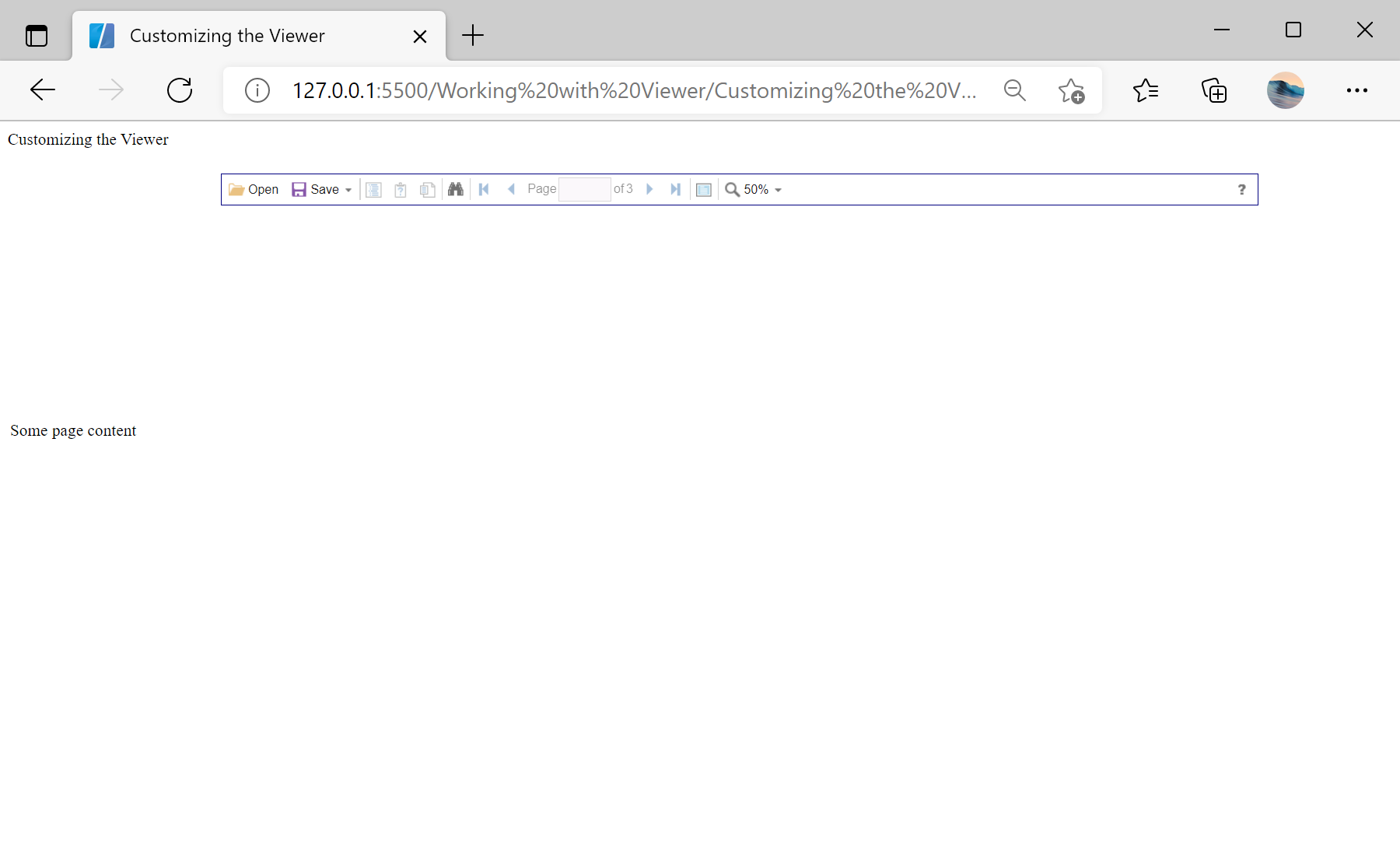
var options = new Stimulsoft.Viewer.StiViewerOptions();
options.appearance.scrollbarsMode = true;
options.appearance.pageBorderColor = Stimulsoft.System.Drawing.Color.navy;
options.toolbar.showPrintButton = false;
options.toolbar.viewMode = Stimulsoft.Viewer.StiWebViewMode.WholeReport;
options.toolbar.zoom = 50;
options.width = "1000px";
options.height = "500px";

var viewer = new Stimulsoft.Viewer.StiViewer(options, "StiViewer", false);appearance and toolbar option groups control colors, scrollbars, which buttons appear, the initial zoom and view mode, and the overall size — so the viewer can range from a full-featured preview to a minimal, read-only display.