Cloud
Cloud-Dienstleistung für schnelle und effektive Analyse und Visualisierung von Daten für Ihr Business ohne eigene Applikationen zu erstellen oder zu programmieren.
var options = new Stimulsoft.Designer.StiDesignerOptions();
options.appearance.fullScreenMode = true;
options.toolbar.showPreviewButton = false;
options.toolbar.showFileMenu = false;
options.components.showImage = false;
options.components.showShape = false;
options.components.showSubReport = false;

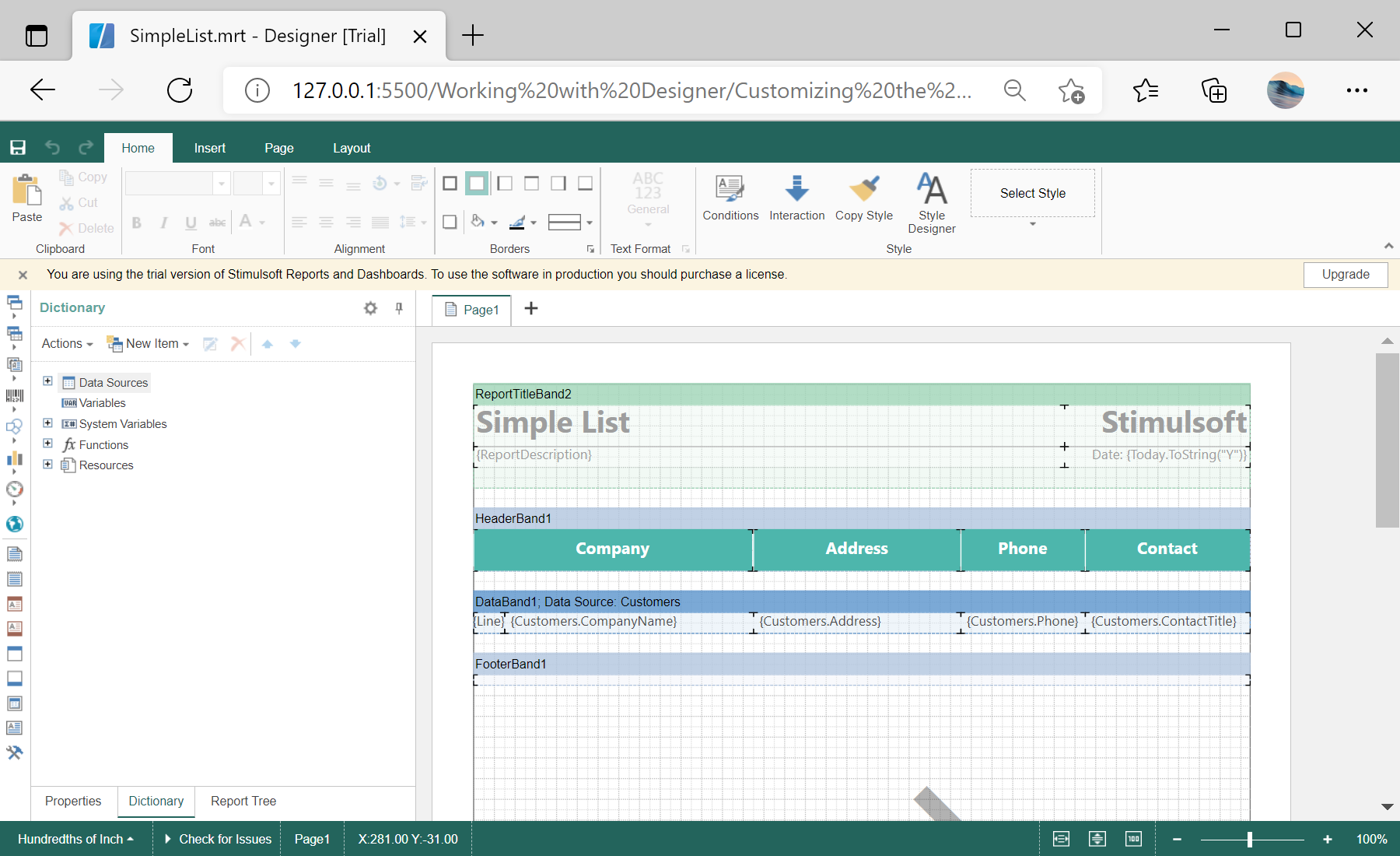
var designer = new Stimulsoft.Designer.StiDesigner(options, "StiDesigner", false);toolbar and components option groups switch individual interface elements on and off, so you can present a simplified designer — for example one that only edits text and data bands — tailored to your users.