Cloud
Cloud-Dienstleistung für schnelle und effektive Analyse und Visualisierung von Daten für Ihr Business ohne eigene Applikationen zu erstellen oder zu programmieren.
<script src="/scripts/stimulsoft.reports.js" type="text/javascript"></script>
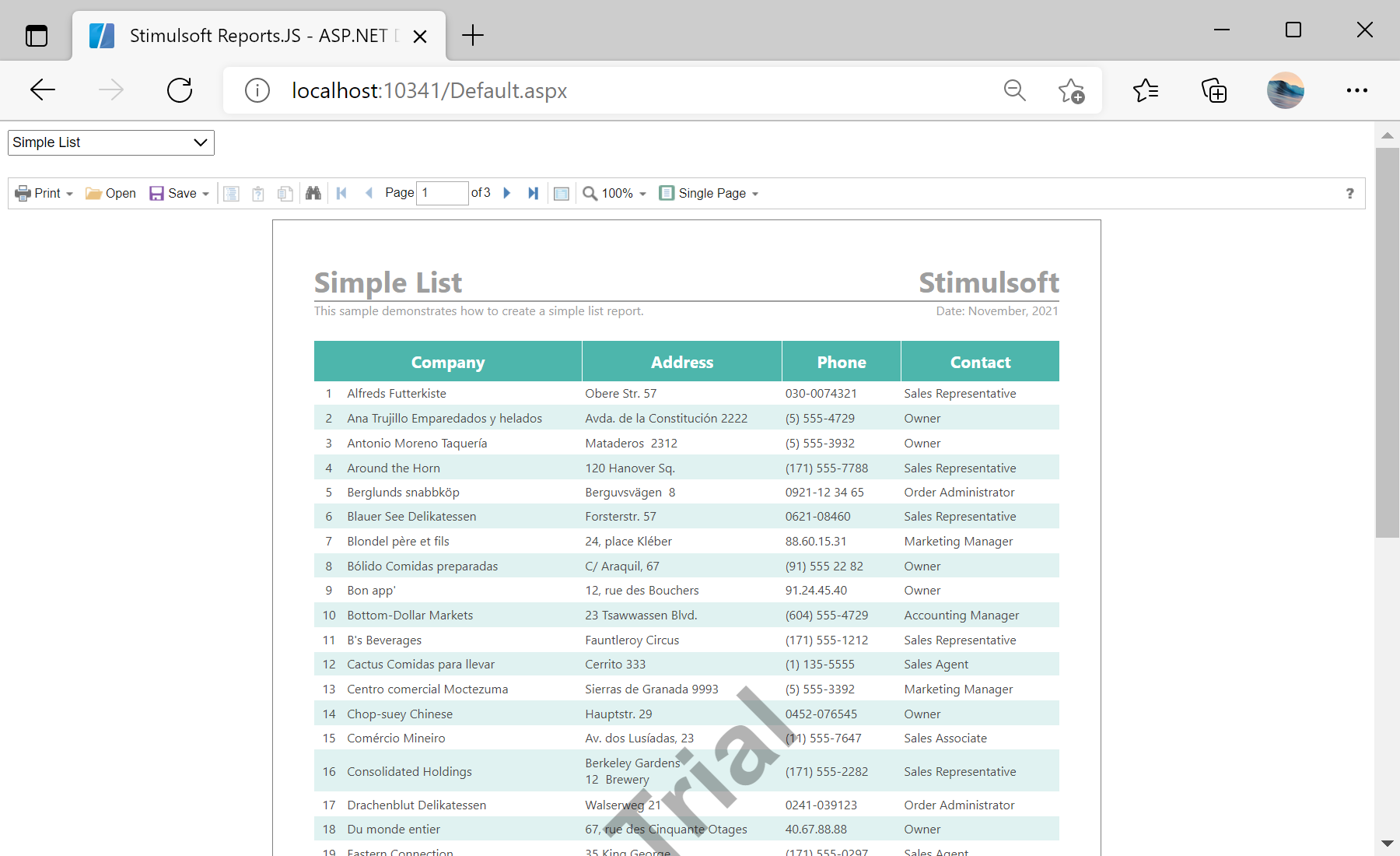
<script src="/scripts/stimulsoft.viewer.js" type="text/javascript"></script>GetReport file:
public partial class GetReport : System.Web.UI.Page
{
	protected void Page_Load(object sender, EventArgs e)
	{
		// Get the report ID
		var reportId = Page.Request.QueryString["id"];
		if (!string.IsNullOrEmpty(reportId))
		{
			// Calculate the path to the report file
			var reportPath = Server.MapPath(string.Format("Reports/{0}.mrt", reportId));
			if (File.Exists(reportPath))
			{
				// Load report to the buffer
				var buffer = File.ReadAllBytes(reportPath);

				// Sent a report to the client side as JSON data
				this.Response.ClearContent();
				this.Response.ClearHeaders();
				this.Response.ContentType = "application/json";
				this.Response.ContentEncoding = Encoding.UTF8;
				this.Response.AddHeader("Content-Length", buffer.Length.ToString());
				this.Response.BinaryWrite(buffer);
				this.Response.End();
			}
		}
	}
}<script type="text/javascript">
// Create a new report instance and load report from server
var report = new Stimulsoft.Report.StiReport();
report.loadFile("GetReport.aspx?id=<%= DropDownList1.SelectedValue %>");
......
// View report in Viewer
var options = new Stimulsoft.Viewer.StiViewerOptions();
var viewer = new Stimulsoft.Viewer.StiViewer(options);
viewer.report = report;
</script>