


















Cloud
Cloud-Dienstleistung für schnelle und effektive Analyse und Visualisierung von Daten für Ihr Business ohne eigene Applikationen zu erstellen oder zu programmieren.



StiDataTableSource parent = new StiDataTableSource("Demo.Parent", "Parent", "Parent");
parent.getColumns().add(new StiDataColumn("cId", "cId", StiSystemType.getSystemType("System.Object")));

StiDataTableSource child = new StiDataTableSource("Demo.Child", "Child", "Child");
child.getColumns().add(new StiDataColumn("cId", "cId", StiSystemType.getSystemType("System.Object")));ArrayList<String> cols = new ArrayList<String>();
cols.add("cId");
StiDataRelation rel = new StiDataRelation("Relation", parent, child, cols, cols);
report.getDictionary().getRelations().add(rel);StiDataRelation(name, parent, child, parentColumns, childColumns) — links the two sources on their key columns.getDictionary().getRelations().add(rel) — registers the relation so nested detail bands can use it.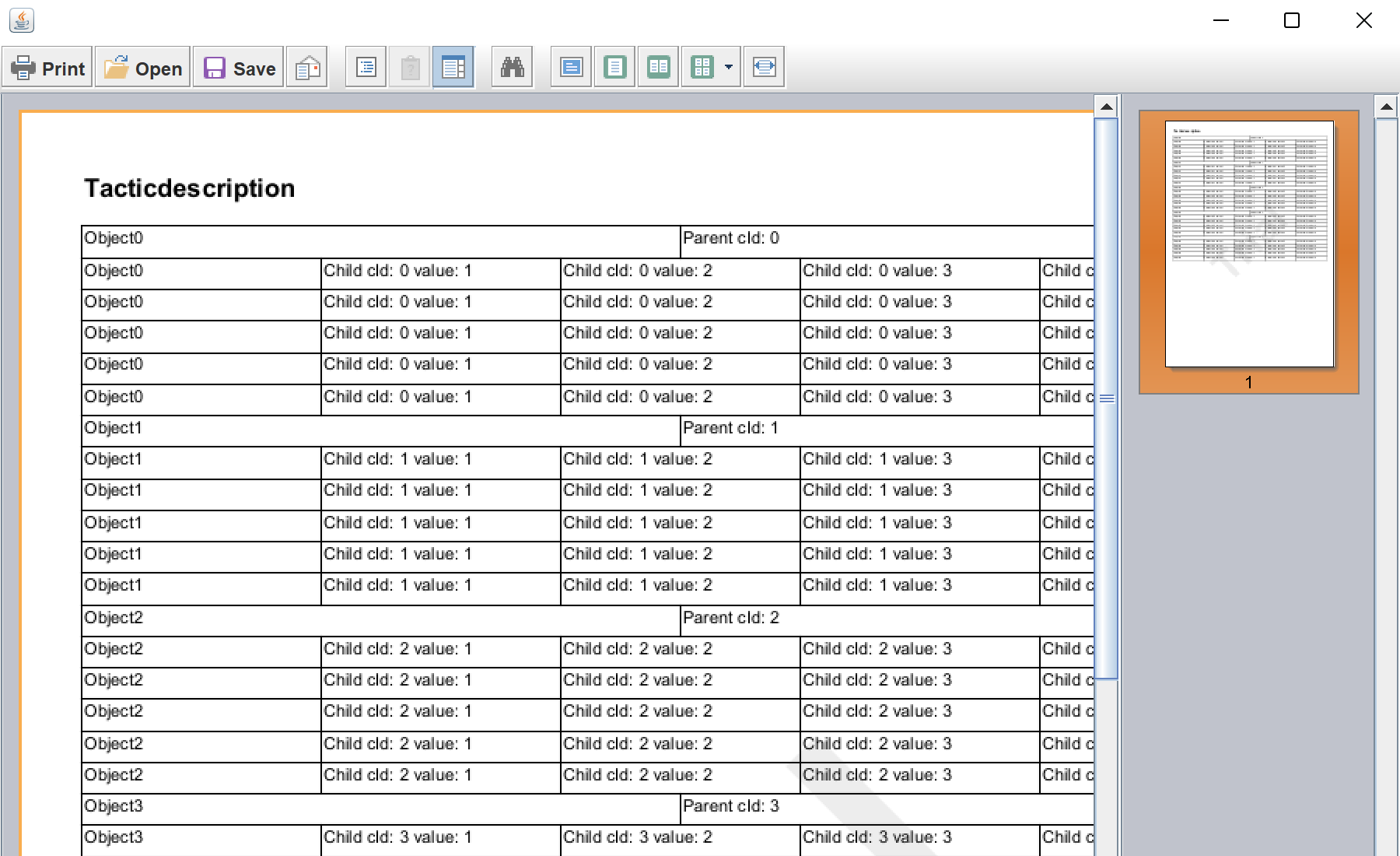
sti_CartProducts, sti_Consent, sti_Currency, sti_Localization, sti_RememberMe, sti_SessionKey, sti_UserKey, sti_WorkspaceKey
Bis zu 12 Monate
_GRECAPTCHA, rc::*
Bis zu 6 Monate
stimulsoft.clientIP, stimulsoft.countryCode, stimulsoft.countryName
Bis zum Schließen des Browsers
ZD-*
Ohne Ablauf
yt-player-*, ytidb::*, YtIdbMeta
Ohne Ablauf
_ga, _ga_56Z9RJS5EL
Bis zu 2 Jahre
_gcl_au, _gcl_ls
Bis zu 90 Tage
__adroll, __adroll_fpc, __adroll_shared, __ar_v4
Bis zu 13 Monate

