Cloud
Cloud-Dienstleistung für schnelle und effektive Analyse und Visualisierung von Daten für Ihr Business ohne eigene Applikationen zu erstellen oder zu programmieren.
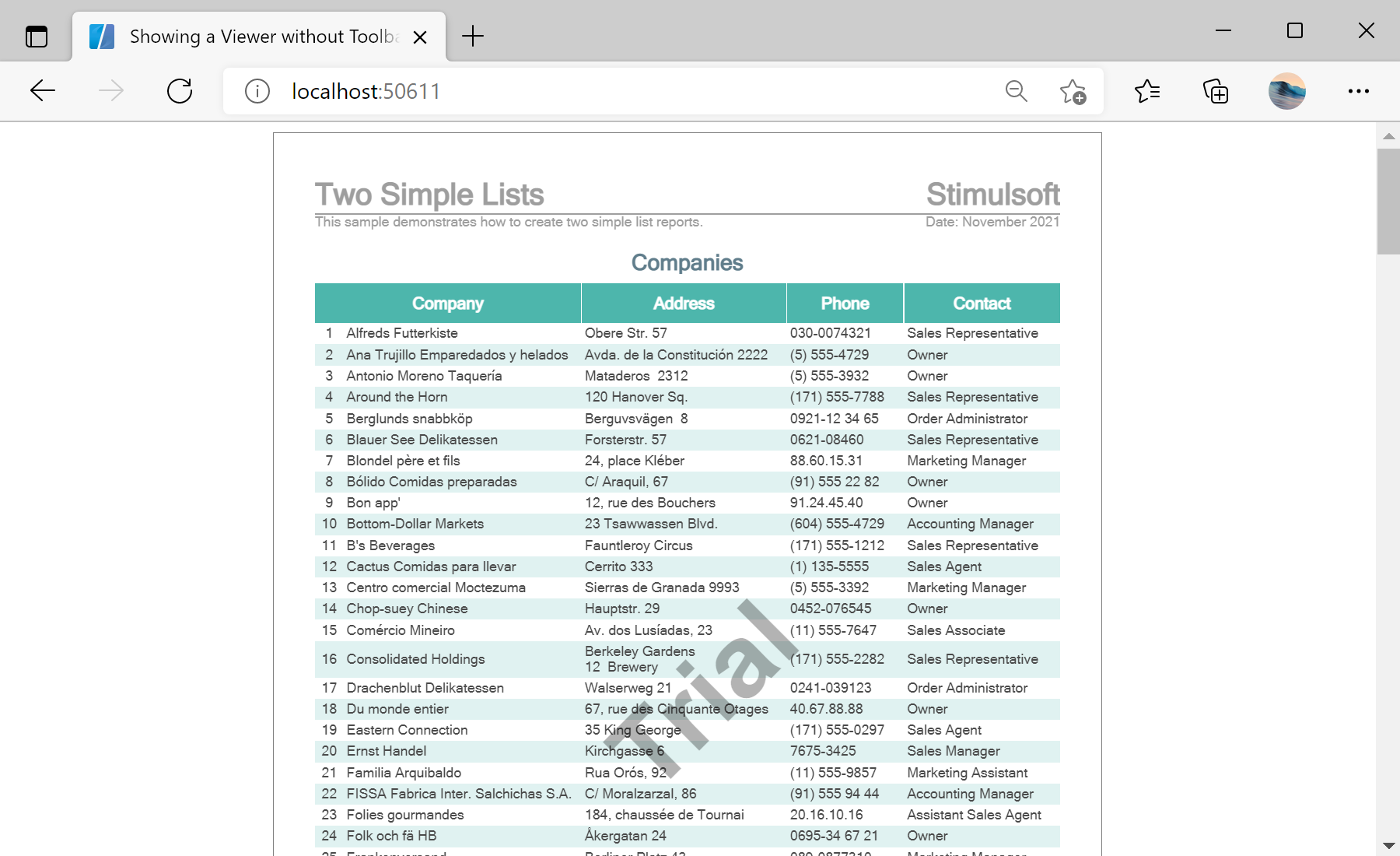
StiBlazorViewerOptions object — here the toolbar is hidden and full-screen mode is enabled.Options = new StiBlazorViewerOptions();
Options.Toolbar.Visible = false;
Options.Toolbar.ViewMode = StiWebViewMode.Continuous;
Options.Appearance.FullScreenMode = true;<StiBlazorViewer Report="@Report" Options="@Options" />Toolbar.Visible — show or hide the toolbar; Toolbar.ViewMode sets single-page or continuous scrolling.Appearance.FullScreenMode — open the viewer occupying the whole area.