Cloud
Cloud-Dienstleistung für schnelle und effektive Analyse und Visualisierung von Daten für Ihr Business ohne eigene Applikationen zu erstellen oder zu programmieren.
@page "/"
@using Stimulsoft.Base
@using Stimulsoft.Report
@using Stimulsoft.Report.Blazor
@using Stimulsoft.Report.Web
@inject HttpClient Http

<!--Report Viewer-->
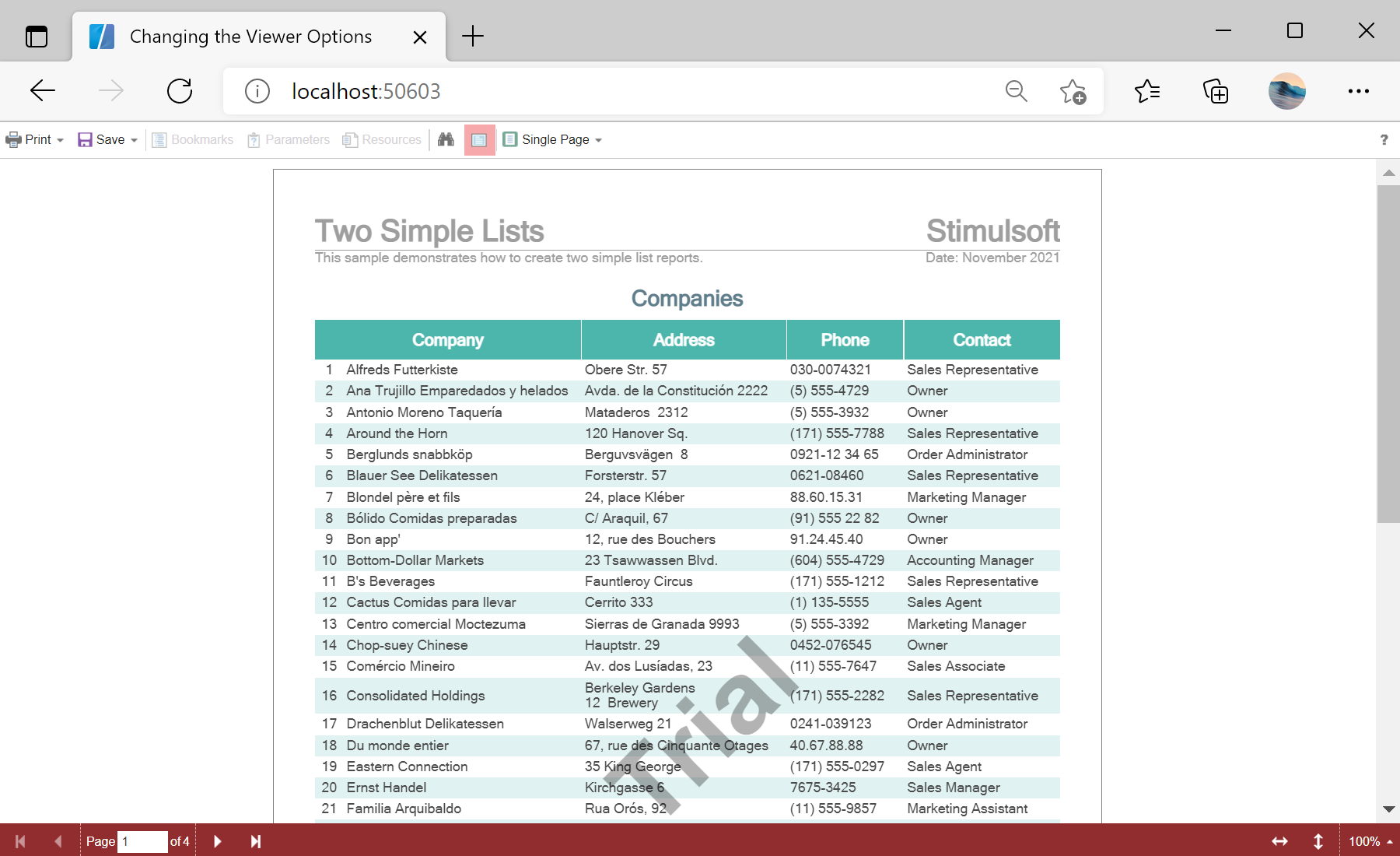
<StiBlazorViewer Report="@Report" Options="@Options" Theme="StiViewerTheme.Office2022LightGrayCarmine" />

@code
{
    //Report object to use in Viewer
    private StiReport Report;

    //Viewer options object
    private StiBlazorViewerOptions Options;

    protected override async Task OnInitializedAsync()
    {
        await base.OnInitializedAsync();

        //How to activate
        //Stimulsoft.Base.StiLicense.Key = "6vJhGtLLLz2GNviWmUTrhSqnO...";
        //var licenseStream = await Http.GetStreamAsync("Secret/stimulsoft.key");
        //Stimulsoft.Base.StiLicense.LoadFromStream(licenseStream);

        //Init options object
        this.Options = new StiBlazorViewerOptions();

        //Set some options
        this.Options.Appearance.FullScreenMode = true;
        this.Options.Appearance.ScrollbarsMode = true;
        this.Options.Toolbar.ShowOpenButton = false;
        this.Options.Toolbar.DisplayMode = StiToolbarDisplayMode.Separated;

        //Create empty report object
        this.Report = new StiReport();

        //Load report template
        var reportBytes = await Http.GetByteArrayAsync("Reports/TwoSimpleLists.mrt");
        this.Report.Load(reportBytes);
    }
}Width, Height and Theme parameters set the component's size and visual style, while the Options object's Appearance and Toolbar groups control the finer details.