Cloud
Cloud-Dienstleistung für schnelle und effektive Analyse und Visualisierung von Daten für Ihr Business ohne eigene Applikationen zu erstellen oder zu programmieren.
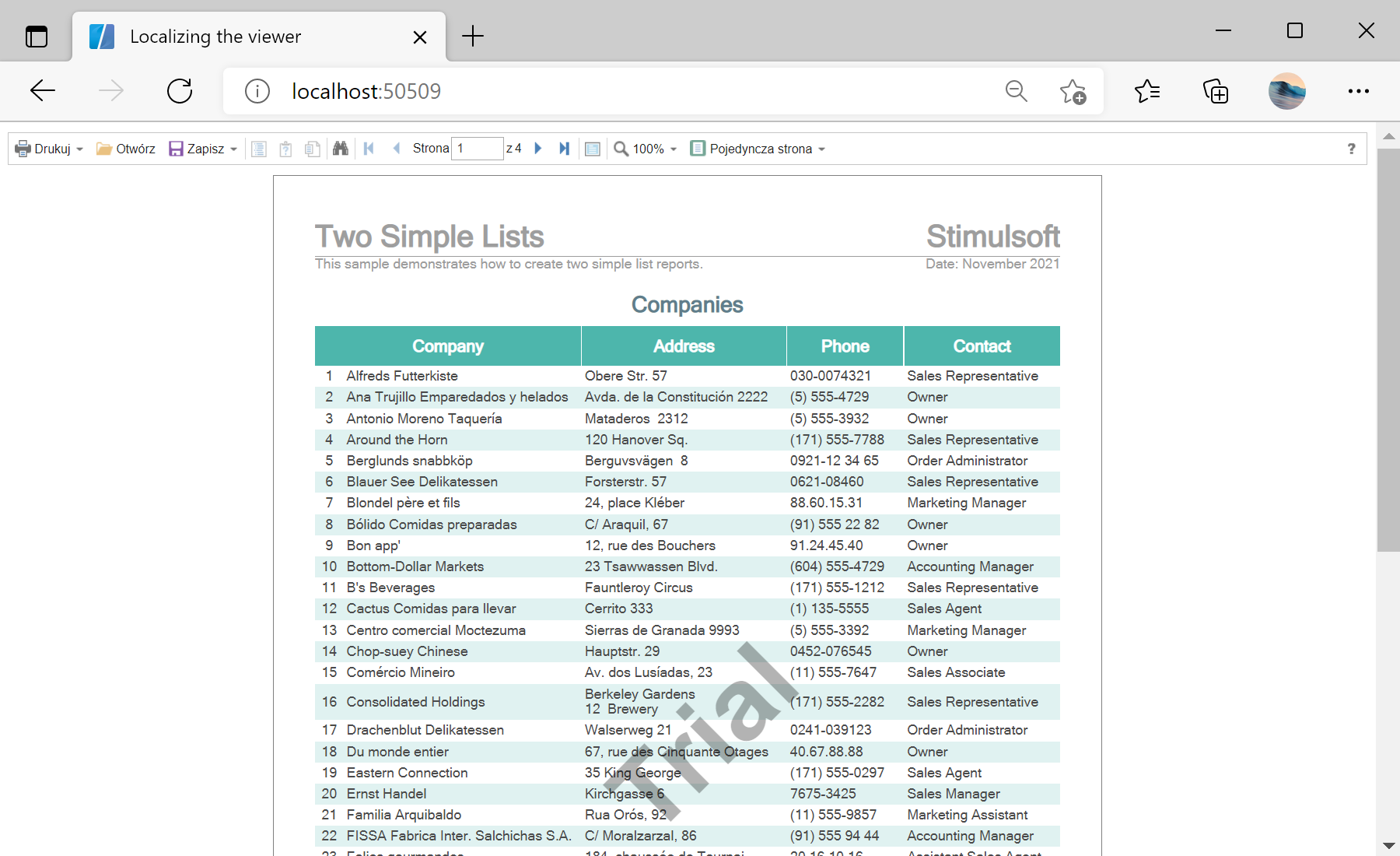
<StiBlazorViewer Report="@Report" Localization="Localization/pl.xml" />

@code {
    private StiReport Report;

    protected override void OnInitialized()
    {
        this.Report = new StiReport();
        this.Report.Load("Reports/TwoSimpleLists.mrt");
    }
}Localization parameter loads the given .xml file and switches the whole viewer interface to that language. Localization files ship with the product and can be edited or created for any language.