


















Cloud
Cloud-Dienstleistung für schnelle und effektive Analyse und Visualisierung von Daten für Ihr Business ohne eigene Applikationen zu erstellen oder zu programmieren.
Index action:var report = StiReport.CreateNewDashboard();
report.Load(StiNetCoreHelper.MapPath(this, $"Dashboards/{id}.mrt"));
var dashboard = report.Pages[0] as StiDashboard;
ViewBag.DashboardBackHtmlColor = ColorTranslator.ToHtml(StiDashboardStyleHelper.GetDashboardBackColor(dashboard, true));
ViewBag.BackHtmlColor = ColorTranslator.ToHtml(StiDashboardStyleHelper.GetBackColor(dashboard));
ViewBag.ForeHtmlColor = ColorTranslator.ToHtml(StiDashboardStyleHelper.GetForeColor(dashboard));StiDashboardStyleHelper.GetDashboardBackColor/GetBackColor/GetForeColor — read the dashboard's theme colors.ColorTranslator.ToHtml — convert each to an HTML color string; pass them via ViewBag to _Layout.cshtml.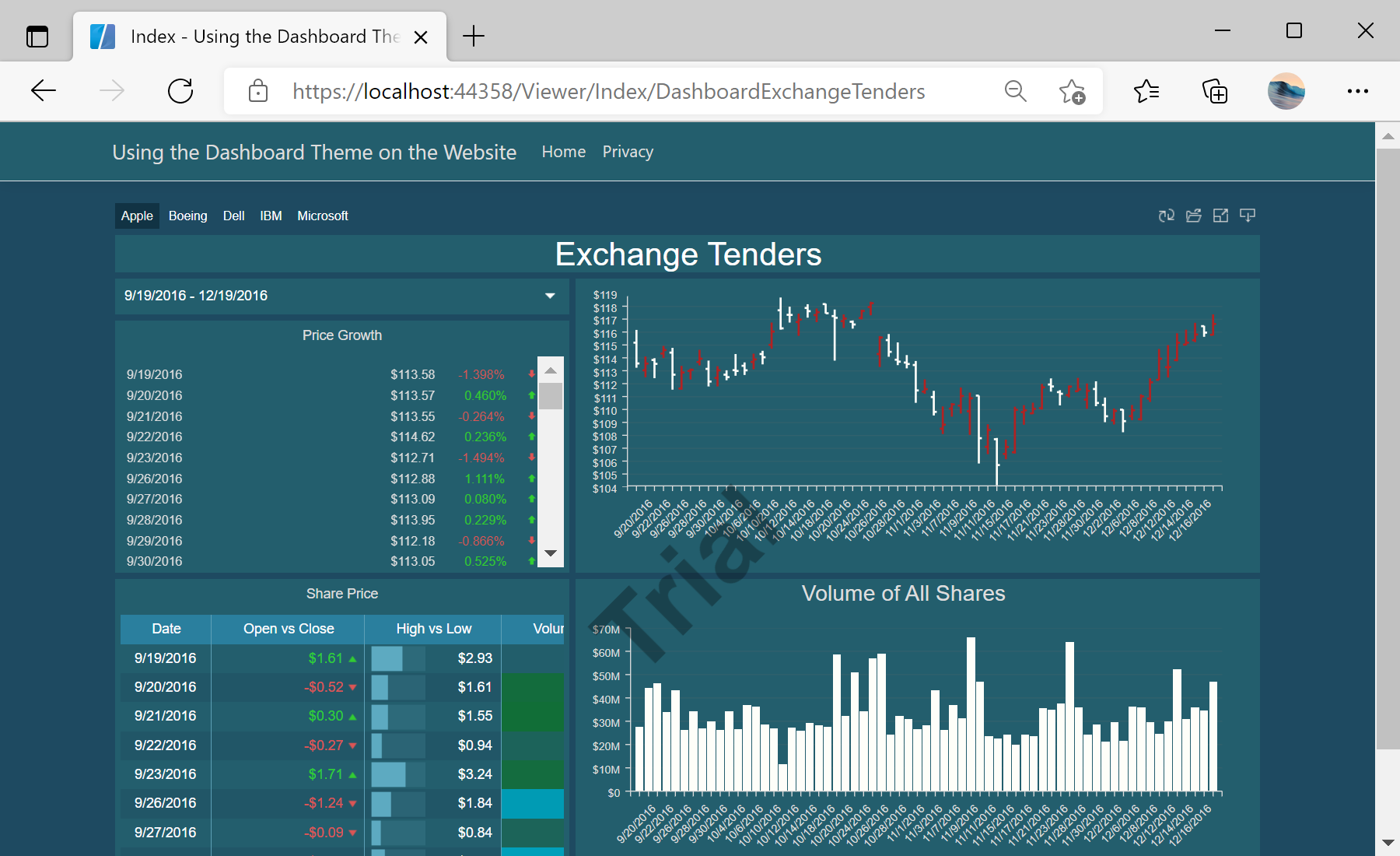
sti_CartProducts, sti_Consent, sti_Currency, sti_Localization, sti_RememberMe, sti_SessionKey, sti_UserKey, sti_WorkspaceKey
Bis zu 12 Monate
_GRECAPTCHA, rc::*
Bis zu 6 Monate
stimulsoft.clientIP, stimulsoft.countryCode, stimulsoft.countryName
Bis zum Schließen des Browsers
ZD-*
Ohne Ablauf
yt-player-*, ytidb::*, YtIdbMeta
Ohne Ablauf
_ga, _ga_56Z9RJS5EL
Bis zu 2 Jahre
_gcl_au, _gcl_ls
Bis zu 90 Tage
__adroll, __adroll_fpc, __adroll_shared, __ar_v4
Bis zu 13 Monate