













Supply Custom Headers for JSON Database
Unsere Beispiele der Projekte und Berichtsvorlagen helfen Ihnen, die Grundlagen der Arbeit mit unserer Software zu erlernen.This example illustrates loading of the dashboard that uses json database from some web-server and accessible only by suppliing custom HTTP header. That dashboard is rendered and result is stored to the pdf-file.
Installation and running
Use npm to install requred modules:
Step by step
Stimulsoft Dashboards.JS module loading:
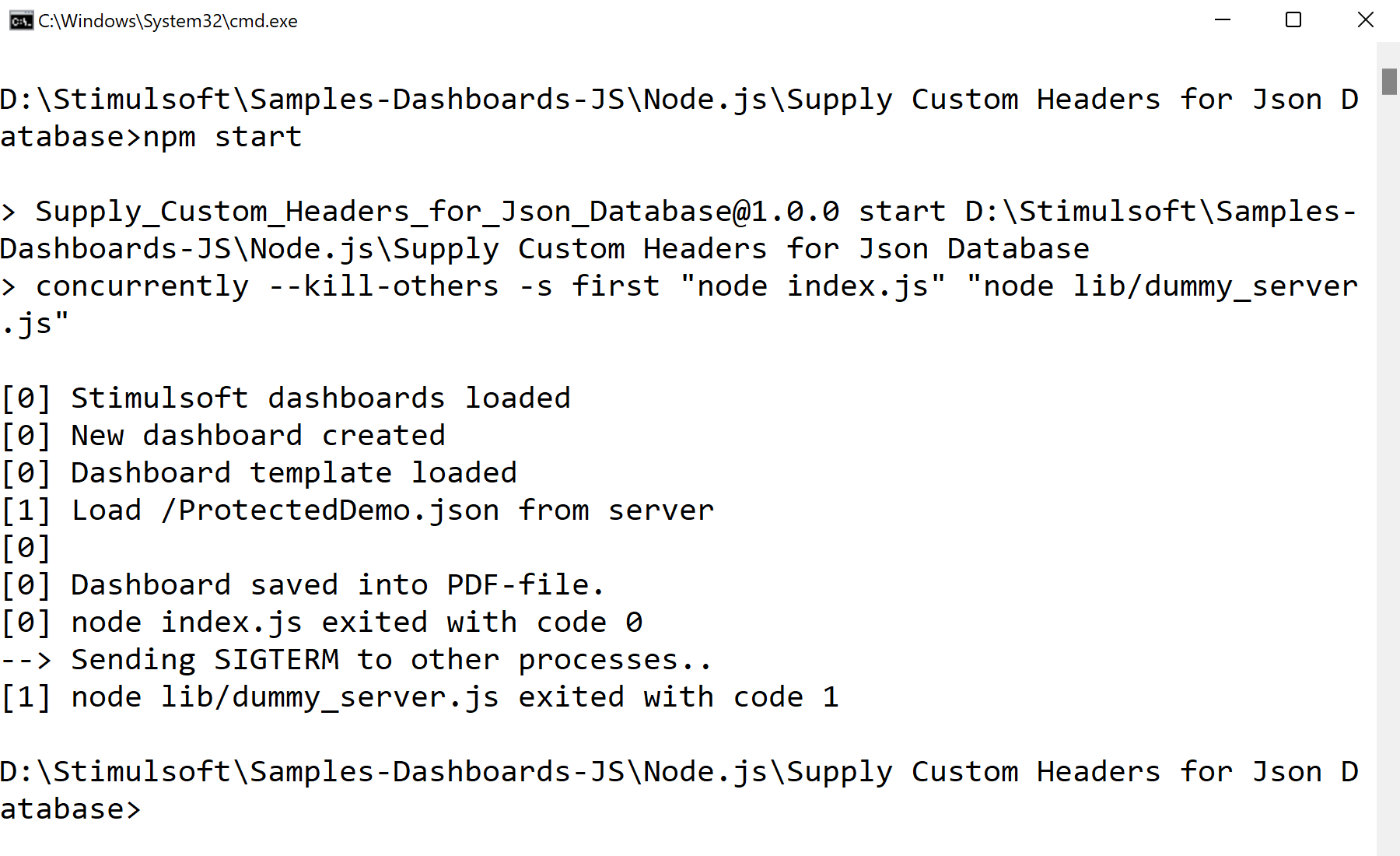
Auf dem Screenshot unten Sie können das Ergebnis des Beispiel-Codes ansehen:

Installation and running
Use npm to install requred modules:
$ npm install
Run Sample:
$ npm start
Step by step
Stimulsoft Dashboards.JS module loading:
var Stimulsoft = require('stimulsoft-dashboards-js');
Creating new dashboard:
var report = Stimulsoft.Report.StiReport.createNewDashboard();
Add onBeginProcessData event handler and set necessary headers:
report.onBeginProcessData = function (args) {
if (
args.database === "JSON" &&
args.command === "GetData" &&
args.pathData && args.pathData.endsWith("/ProtectedDemo.json")
) {
// Add custom header to pass through server protection
args.headers.push({key: "X-Auth-Token", value: "*YOUR TOKEN*"});
}
};
Loading sample report template:
report.loadFile("DBSsimp.mrt");
Export to PDF:
report.exportDocumentAsync((pdfData) => {
// Converting Array into buffer
var buffer = Buffer.from(pdfData);
// File System module
var fs = require('fs');
// Saving string with rendered dashboard in PDF into a file
fs.writeFileSync('./Dashboard.pdf', buffer);
}, Stimulsoft.Report.StiExportFormat.Pdf);Auf dem Screenshot unten Sie können das Ergebnis des Beispiel-Codes ansehen: