


















Cloud
Cloud-Dienstleistung für schnelle und effektive Analyse und Visualisierung von Daten für Ihr Business ohne eigene Applikationen zu erstellen oder zu programmieren.
<script src="../scripts/stimulsoft.reports.engine.js"></script>
<script src="../scripts/stimulsoft.reports.chart.js"></script>       <!-- omit if no charts -->
<script src="../scripts/stimulsoft.reports.export.js"></script>      <!-- omit if only HTML export -->
<script src="../scripts/stimulsoft.reports.import.xlsx.js"></script> <!-- omit if no XLSX import -->
<script src="../scripts/stimulsoft.reports.maps.js"></script>        <!-- omit if no maps -->
<script src="../scripts/stimulsoft.dashboards.js"></script>
stimulsoft.reports.engine.js + stimulsoft.dashboards.js — the core engine and dashboard module, always required.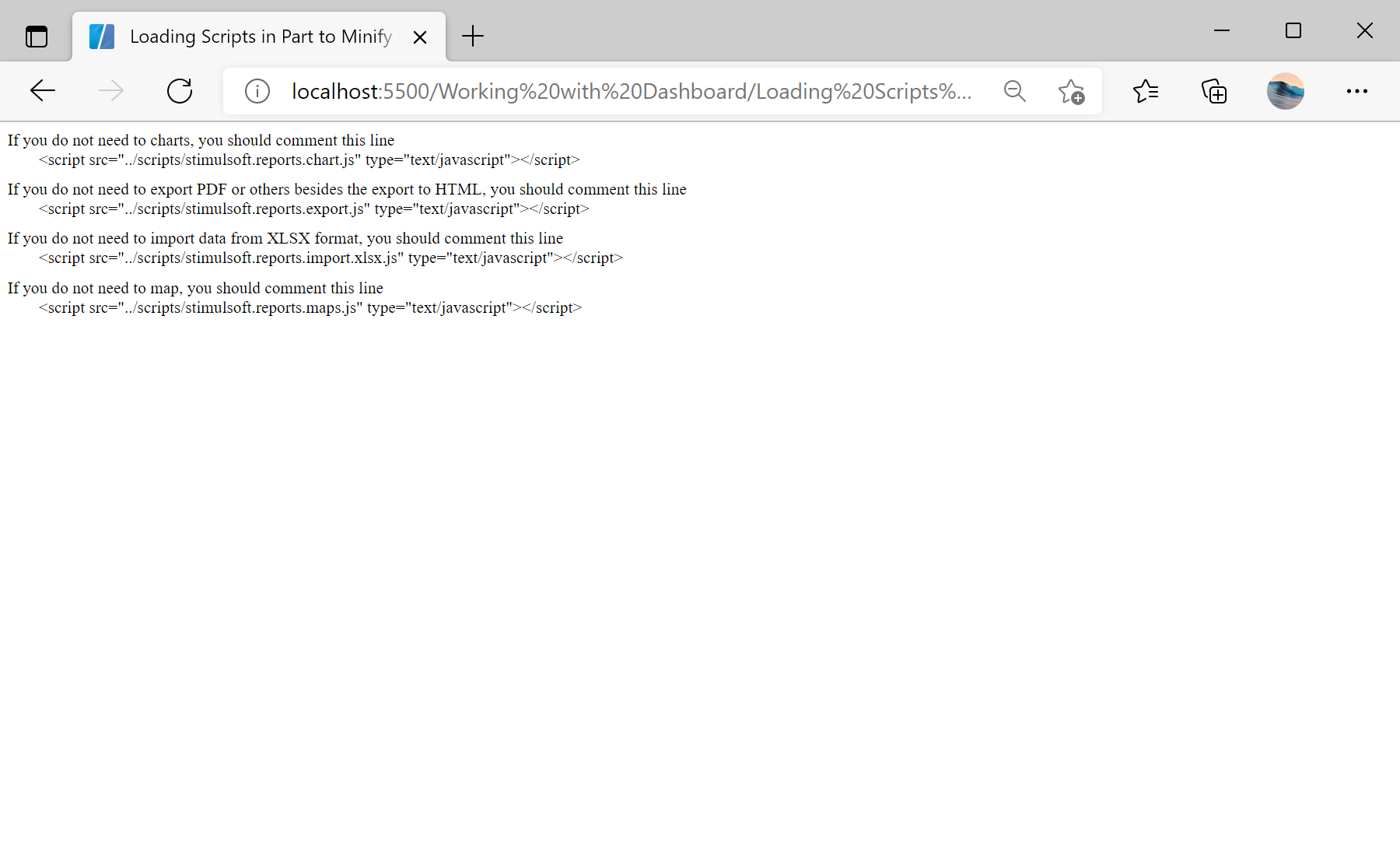
sti_CartProducts, sti_Consent, sti_Currency, sti_Localization, sti_RememberMe, sti_SessionKey, sti_UserKey, sti_WorkspaceKey
Bis zu 12 Monate
_GRECAPTCHA, rc::*
Bis zu 6 Monate
stimulsoft.clientIP, stimulsoft.countryCode, stimulsoft.countryName
Bis zum Schließen des Browsers
ZD-*
Ohne Ablauf
yt-player-*, ytidb::*, YtIdbMeta
Ohne Ablauf
_ga, _ga_56Z9RJS5EL
Bis zu 2 Jahre
_gcl_au, _gcl_ls
Bis zu 90 Tage
__adroll, __adroll_fpc, __adroll_shared, __ar_v4
Bis zu 13 Monate

