Cloud
Cloud-Dienstleistung für schnelle und effektive Analyse und Visualisierung von Daten für Ihr Business ohne eigene Applikationen zu erstellen oder zu programmieren.
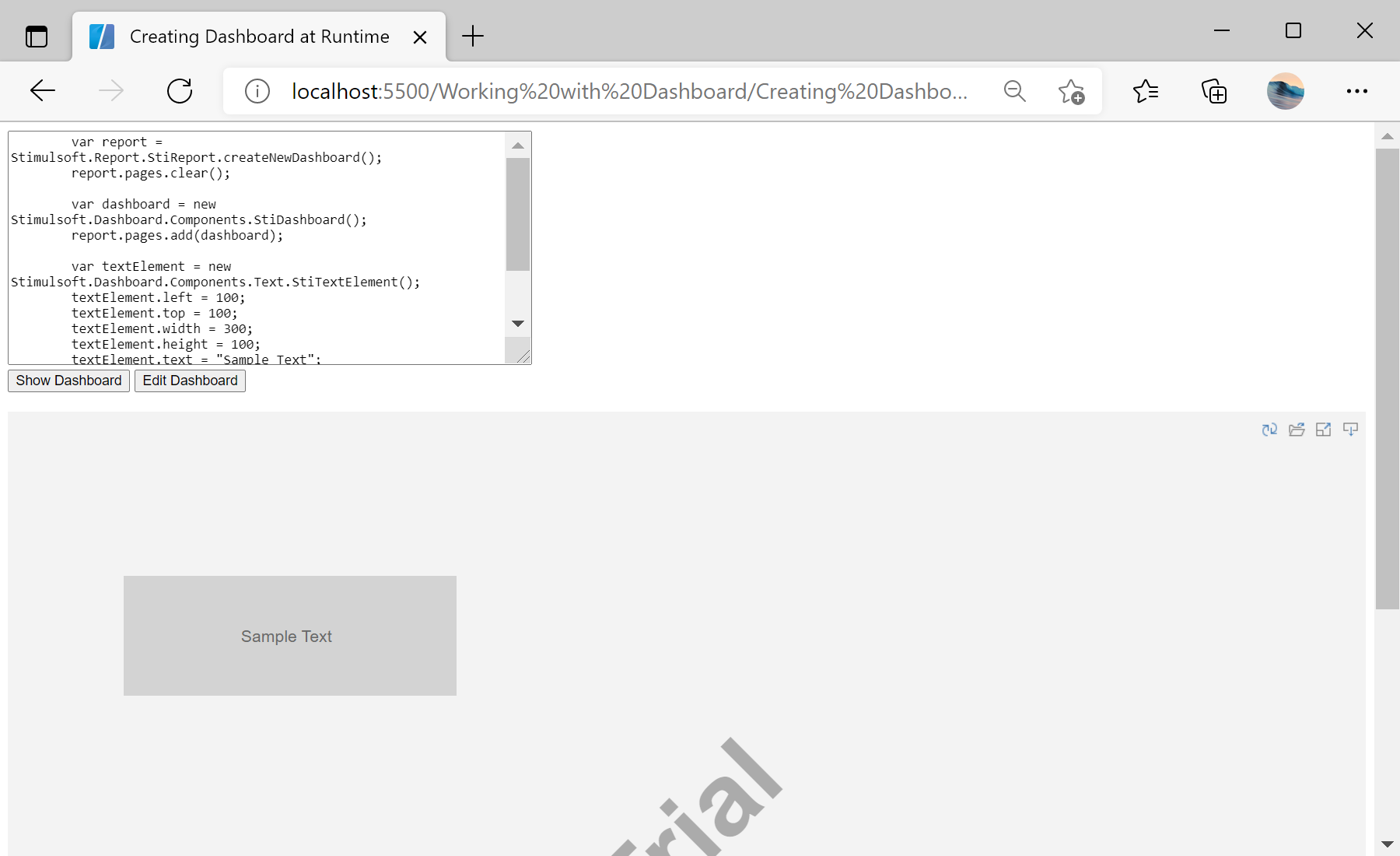
var report = Stimulsoft.Report.StiReport.createNewDashboard();
var dashboard = report.pages.getByIndex(0);

var textElement = new Stimulsoft.Dashboard.Components.Text.StiTextElement();
textElement.backColor = Stimulsoft.System.Drawing.Color.lightGray;
dashboard.components.add(textElement);

var viewer = new Stimulsoft.Viewer.StiViewer(null, "StiViewer", false);
viewer.report = report;
viewer.renderHtml();Stimulsoft.Dashboard.Components namespace. Creating them in code and adding them to the dashboard page lets you generate dashboards dynamically.