Cloud
Cloud-Dienstleistung für schnelle und effektive Analyse und Visualisierung von Daten für Ihr Business ohne eigene Applikationen zu erstellen oder zu programmieren.
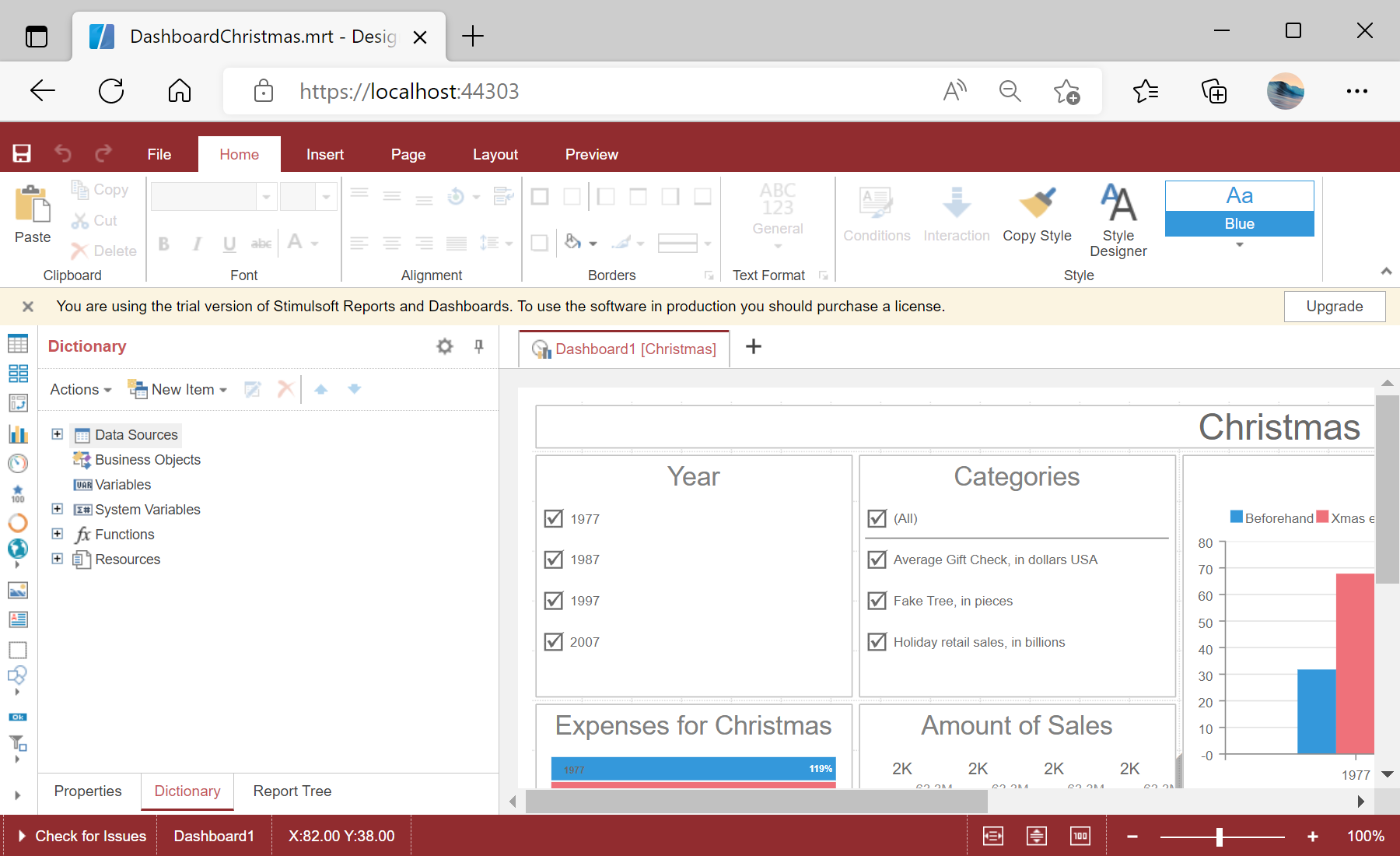
<StiBlazorDesigner Report="@Report" />this.Report = StiReport.CreateNewDashboard();
this.Report.Load("Dashboards/DashboardChristmas.mrt");StiBlazorDesigner — the native designer component, bound to a StiReport dashboard.OnSaveReport event to persist edits (e.g. args.Report.SaveToJsonString()).