




















Showing a Report in the Viewer using JavaScript
Our sample projects and report templates can help you learn the basics of working with our products.The viewer can be built entirely in client JavaScript, with PHP acting only as the request handler for data and events.
Process requests in PHP. A
How it works. The report renders in the browser; PHP is contacted only when the viewer needs data, keeping the server role minimal.
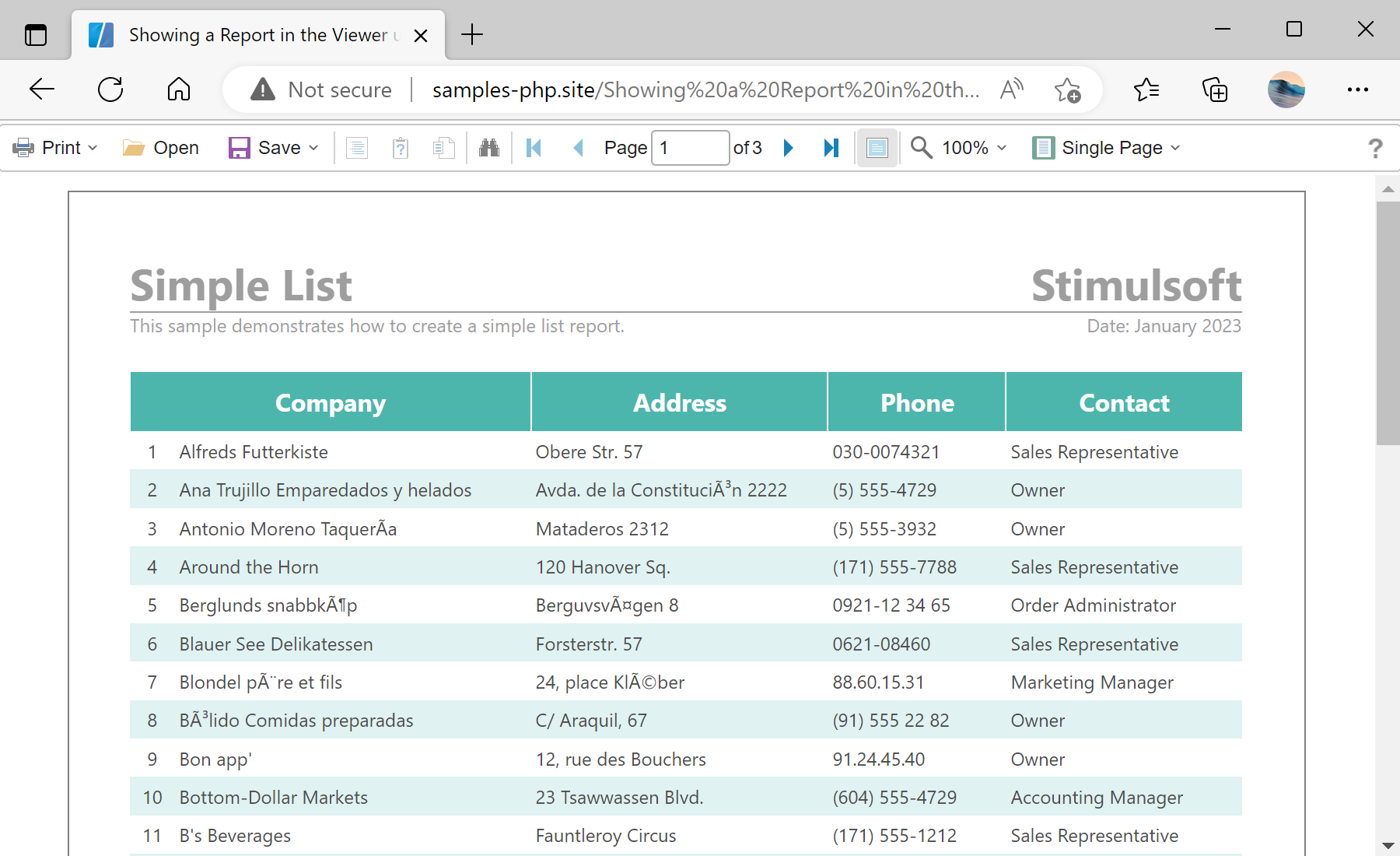
In the screenshot below you can see the result of the sample code:
Process requests in PHP. A
StiHandler handles the viewer's server-side callbacks:$handler = new StiHandler();
$handler->process();let options = new Stimulsoft.Viewer.StiViewerOptions();
options.appearance.fullScreenMode = true;
let viewer = new Stimulsoft.Viewer.StiViewer(options, "StiViewer", false);
viewer.onBeginProcessData = (args, callback) => Stimulsoft.handler.process(args, callback);
let report = new Stimulsoft.Report.StiReport();
report.loadFile("../reports/SimpleList.mrt");
viewer.report = report;
viewer.renderHtml("viewerContent");StiHandler->process()— the PHP side that answers the viewer's data/event requests.onBeginProcessData→Stimulsoft.handler.process— forwards client data requests to the PHP handler.viewer.renderHtml("viewerContent")— injects the viewer into the target HTML element.
How it works. The report renders in the browser; PHP is contacted only when the viewer needs data, keeping the server role minimal.
In the screenshot below you can see the result of the sample code: