




















Saving and Loading a Report in the Designer
Our sample projects and report templates can help you learn the basics of working with our products.The designer raises events when a report is saved or loaded, letting you intercept storage — save to your own location, log, or validate.
Subscribe to the designer events. Attach handlers once, and optionally hide the built-in
How it works. By handling the events you take control of persistence, so reports can be routed to a database or service instead of the file system.
In the screenshot below you can see the result of the sample code:
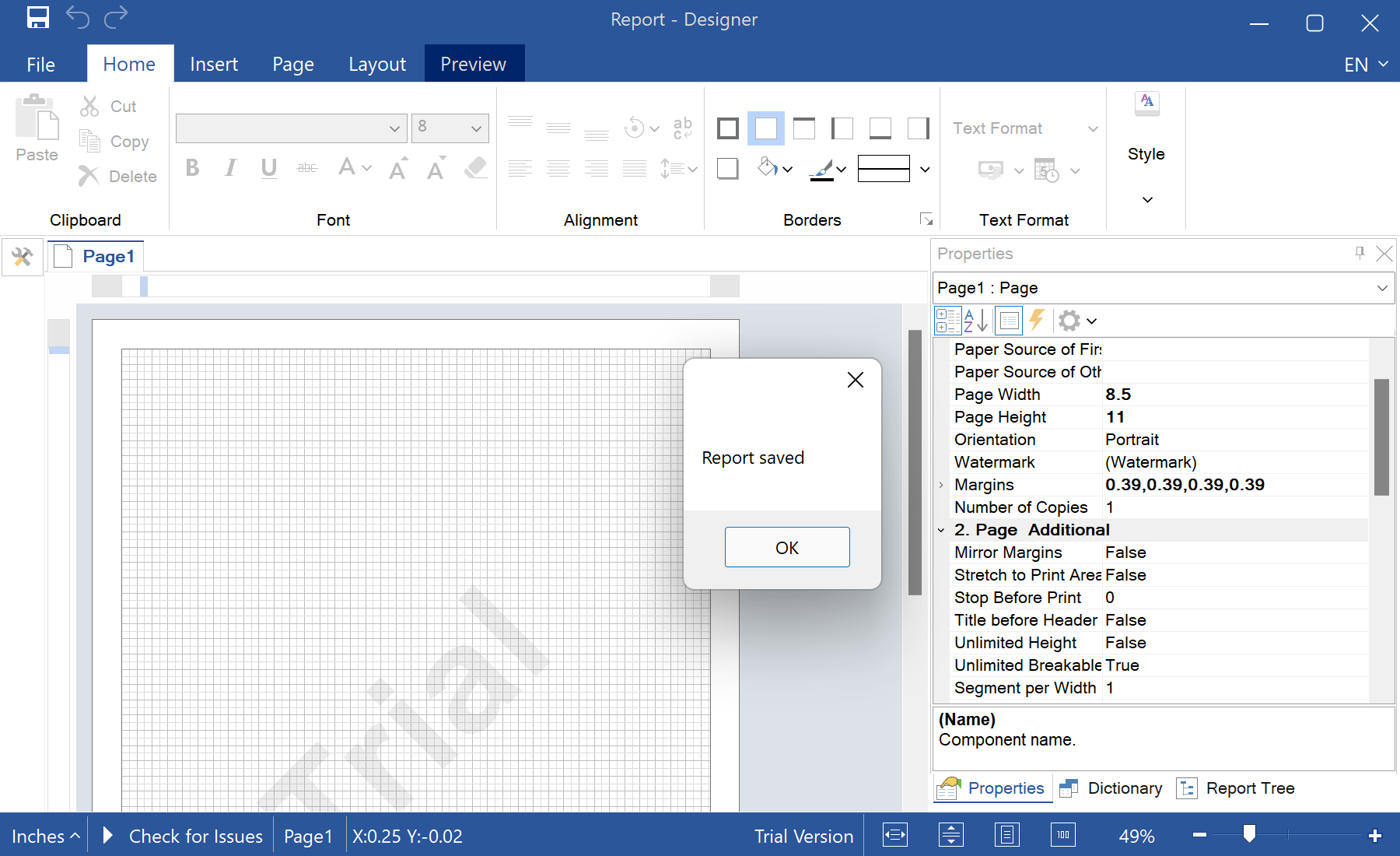
Subscribe to the designer events. Attach handlers once, and optionally hide the built-in
Save As… item:static Form1()
{
StiDesigner.SavingReport += OnSaving;
StiDesigner.LoadingReport += OnLoading;
// Optionally hide the "Save As..." menu item
StiMainMenuService.GetService().ShowFileReportSaveAs = false;
}
private static void OnSaving(object sender, StiSavingObjectEventArgs e)
{
var designer = sender as StiDesigner;
// string xml = designer.Report.SaveToString();
MessageBox.Show("Report saved");
}StiDesigner.SavingReport/LoadingReport— fire when the user saves or opens a template in the designer.designer.Report.SaveToString()— capture the template as a string to store it wherever you like.StiMainMenuService— show or hide individual designer menu items.
How it works. By handling the events you take control of persistence, so reports can be routed to a database or service instead of the file system.
In the screenshot below you can see the result of the sample code: